

WordPress 7.0.3 arrived on August 6, 2026, as an emergency security release, and one of the flaws it closes had been sitting in WordPress core since the 4.7 branch, first released back in December 2016: nearly a decade. The bug is catalogued as CVE-2026-64638 and nicknamed XSS2Shell by the researcher who found it. On its own, XSS2Shell is a pre-authentication cross-site scripting flaw on the wp-login.php screen, no account needed to trigger it. Turning that into a full server takeover is a separate, harder step that needs a logged-in administrator to click a booby-trapped link, so this is not the zero-click nightmare some headlines implied. It is also not the first core flaw with a memorable nickname that WordPress has had to patch on an emergency footing this year, as we covered with wp2shell. Let’s walk through what XSS2Shell actually chains together, and what it means for you.
What just got patched, and why it still matters even if you already updated
According to the official WordPress.org release announcement, 7.0.3 bundles several security fixes, and the update rolled out through WordPress’s usual channel: sites with automatic background updates already applied it, or will shortly. The same release also closed a handful of unrelated issues, including stored XSS reports from contributor-level accounts and a few information-disclosure and privilege-escalation bugs, but XSS2Shell was the standout of the batch: the one reachable without any account at all.
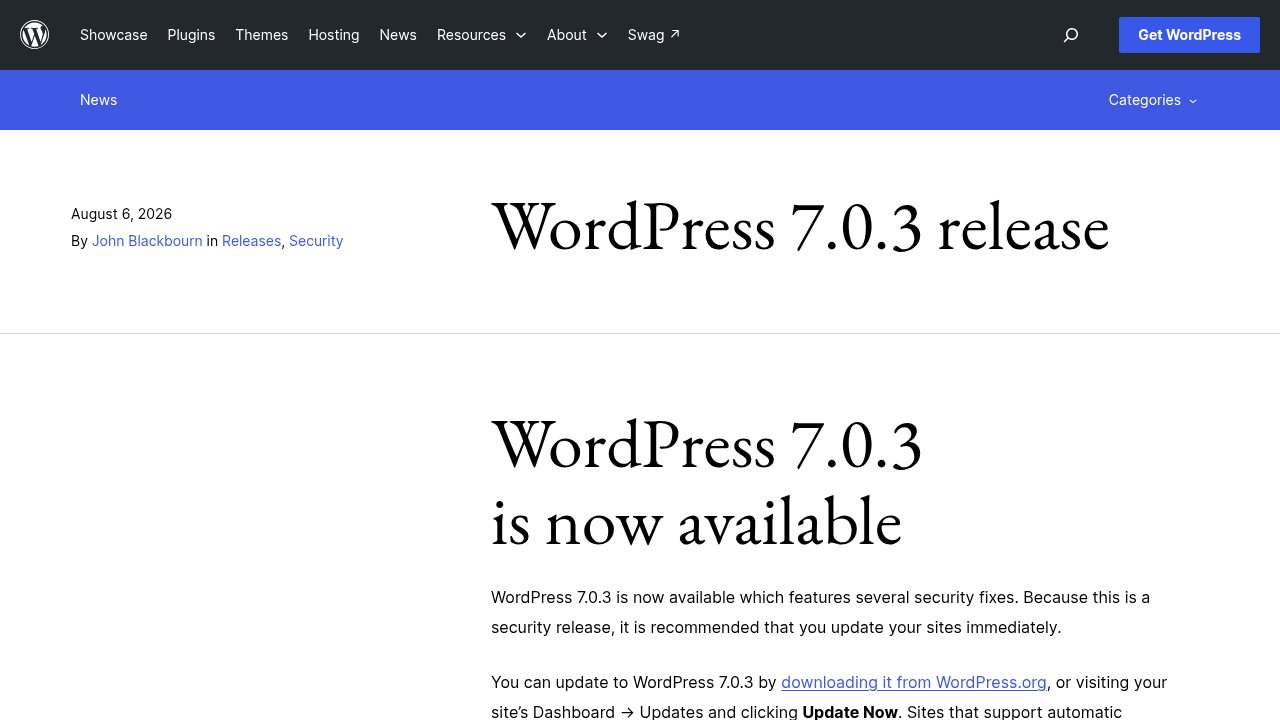
The fix was backported to every branch WordPress still issues security patches for, current through version 4.7. If your host runs automatic updates, you likely already have THE fix; if it does not, or if a plugin disables them, applying 7.0.3 by hand today closes the gap. Knowing you are on 7.0.3 is the easy part; the two-minute check later in this piece confirms you are actually covered, not just assumed to be. That backport range also tells you something worth sitting with: the same blind spot survived years of code review, in a codebase this heavily audited, which is exactly what the next section explains.
How a login-page parsing bug becomes a full server takeover
Every WordPress login attempt that fails passes your typed username through a chain of cleanup functions before it gets echoed back in the error message on screen. Two of those functions disagree about what counts as a valid HTML tag, and that disagreement is the entire bug. wp_strip_all_tags(), which wraps PHP’s own strip_tags(), only recognizes an opening angle bracket as the start of a tag when a letter follows it immediately; leave a single space in between and the text survives untouched. Downstream, the second cleanup pass, wp_kses_post(), is more forgiving: it accepts that same spaced-out tag as valid HTML and rebuilds it into a real element on the page, because the tag type sits on its own allow list.
The practical result is that a crafted username survives the first filter as harmless-looking text, then gets reconstructed into an actual HTML element by the second one. The element type pwn.ai’s write-up describes exploits a browser quirk called DOM clobbering. Any HTML element with an id attribute becomes accessible in JavaScript as a global variable of that same name, which lets an attacker override a variable a WordPress script already trusts without checking. Here, that variable is ajaxurl, a value the login page’s own user-profile.js script relies on. Once ajaxurl points somewhere the attacker controls, that script’s own requests get redirected to a WordPress REST API endpoint an attacker can use to run arbitrary JavaScript on a WordPress login page, with no account at all.
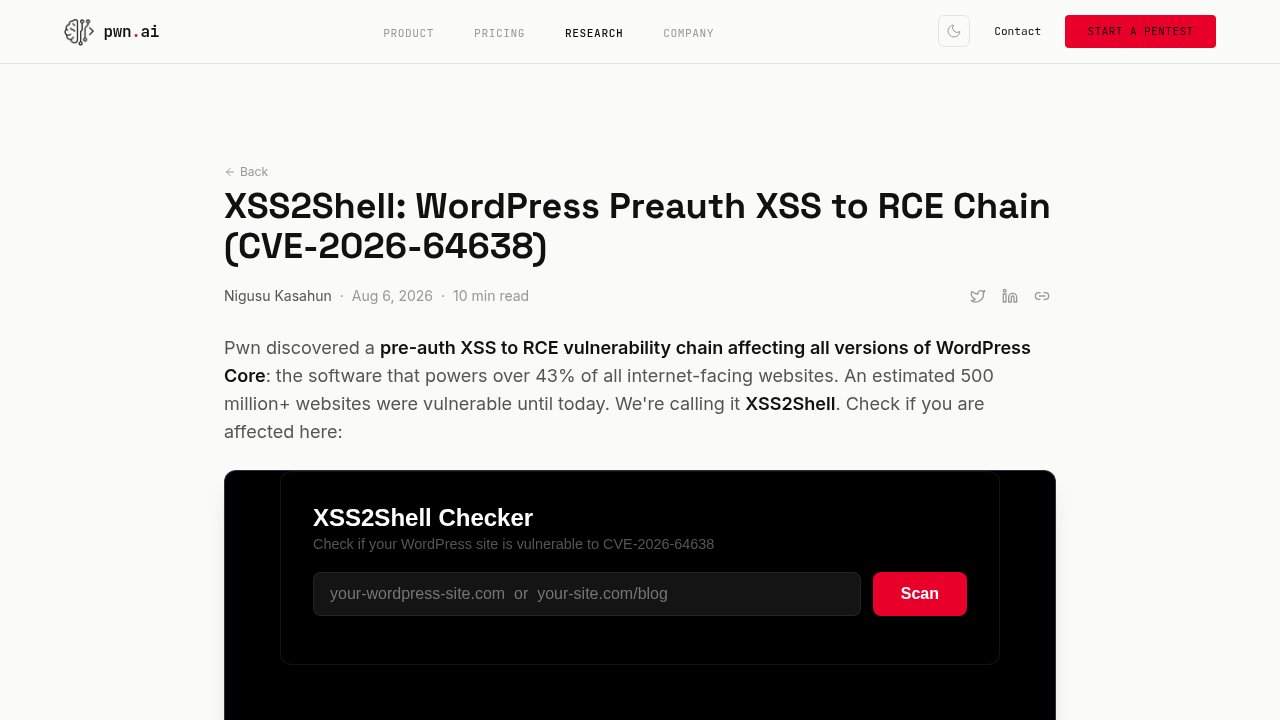
That JavaScript execution, on its own, does not hand over the server. Getting there needs a logged-in administrator to click a link, and that is where XSS2Shell reuses a technique its discoverer, Nigusu Kasahun, had built on from earlier research: Same Origin Method Execution, first published against other targets by Paulos Yibelo in 2022. If an administrator opens the trap link while logged in, the injected script can drive WordPress’s own Application Passwords authorization screen on their behalf, capture a valid application password, then use it to publish a page containing script (administrators hold the unfiltered_html capability by default) and upload a plugin ZIP whose PHP files run without ever being activated. Pwn.ai says the entire discovery, from spotting the parser mismatch to assembling this five-step chain, ran autonomously through its own research platform, building on that 2022 technique as a starting point, though that is a story about their tooling more than about your WordPress site.
What does it actually take to be at risk?
Strip away the chain and two different risk levels are stacked on top of each other. The cross-site scripting half needs nothing from you: no account, no click, just a normal visit to a vulnerable login page, which is why WordPress backported the fix all the way to 4.7. The full server takeover half is a narrower target: it only fires if a logged-in administrator opens a link an attacker controls, whether through a phishing message, a compromised ad, or a poisoned link shared somewhere an admin would trust.

Sites with a single careful administrator were never one visit away from a shell. Sites with several admin accounts, shared logins, or admins who click first and check later carried the real exposure. None of that changes the urgency of the patch, since the XSS half alone is already a foothold worth denying an attacker; it does mean the headlines calling this a zero-click takeover overstated the second half of the chain.
Are you actually patched? A two-minute check
Confirming you are covered takes less time than reading this section. In your WordPress dashboard, open Dashboard, then Updates, or check the version number printed at the bottom of most admin screens: anything at 7.0.3 or later already carries the fix. If you see an older number and no pending update banner, automatic background updates are either disabled or failing silently, which is worth checking directly rather than assuming.

Automatic updates cover core security releases by default on most hosts, but three situations quietly opt you out: a security plugin or host-level setting that disables auto-updates, a site frozen on an unsupported branch older than 4.7, and managed WordPress hosting where your host, not WordPress itself, controls the update schedule. If any of those describes your setup, updating to 7.0.3 by hand, from Dashboard → Updates → Update Now, takes under a minute. If you manage a site for a client or an employer, this is a good moment to also confirm, in writing, whether automatic security updates are genuinely turned on, since “someone else handles that” is how sites end up several point releases behind. Our Should You Upgrade to WordPress 7.0 checklist walks through the same version and compatibility checks in more depth if you want the fuller routine.
Our take
XSS2Shell is not the story of a careless plugin or a site left unpatched for years. It is the story of two internal WordPress functions that quietly disagreed about HTML for roughly a decade without anyone noticing, until a research team went looking specifically for that kind of disagreement. A codebase this heavily audited can still hide a parsing mismatch this old, which is a reason to keep patching promptly rather than a reason to distrust WordPress core more than usual. The bounty pwn.ai received and the same-week coordinated disclosure are the system working as intended, not a sign it failed.
Here is where that leaves you, in four situations:
- If your dashboard already shows 7.0.3 or later, you are covered; no action needed.
- If you see an older version and no update pending, update by hand today, from Dashboard → Updates → Update Now.
- If you manage a site for a client or an employer, confirm in writing that automatic security updates are actually enabled, not just assumed to be.
- If several people hold admin access, remind them to treat unexpected links, even ones that look WordPress-related, with the same caution as a phishing email.
Update, verify you are actually covered rather than assuming it, and get back to running your site.