

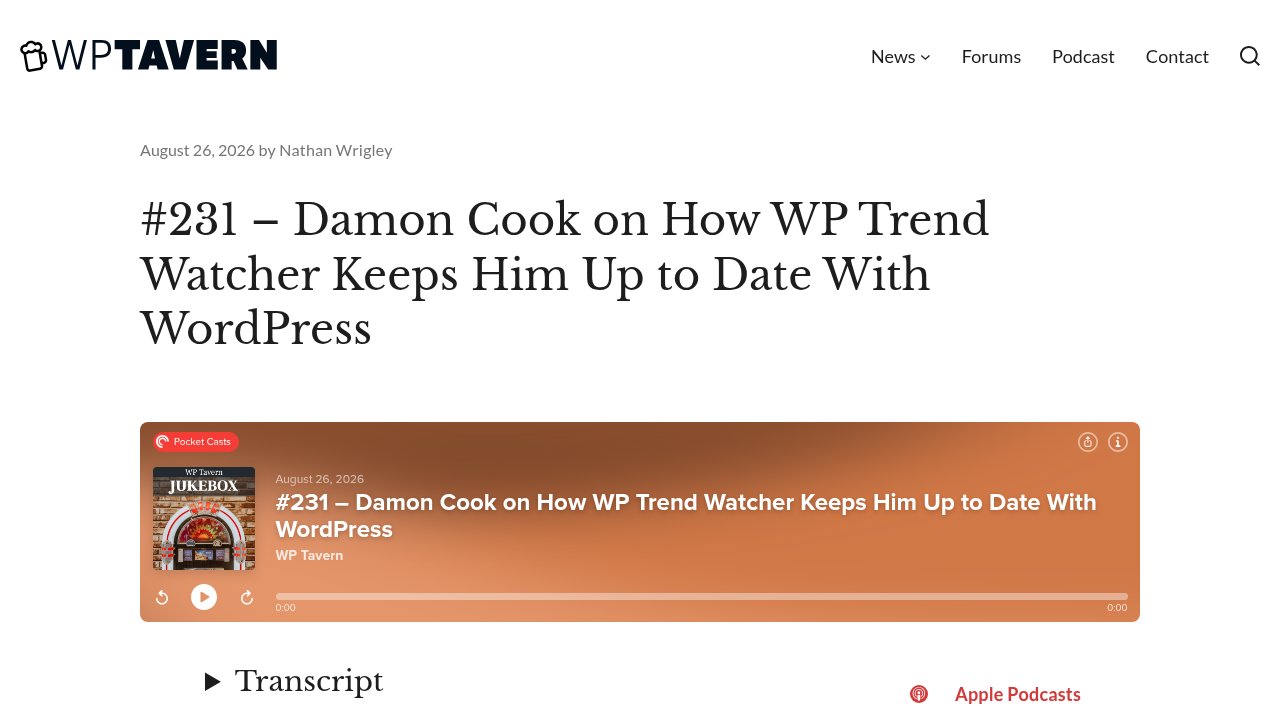
We’ve already covered what it looks like when WordPress puts AI to work at the institutional level: the Abilities API, the AI Client, the MCP Adapter, three pieces built by core contributors and shipped inside WordPress itself. On August 26, 2026, WP Tavern’s Jukebox podcast, episode #231, hosted by Nathan Wrigley, featured close to the opposite case: one working WordPress developer, Damon Cook, building his own AI tool alone, on his own laptop, for the cost of electricity. Let’s look at what he actually built, together.
What WP Trend Watcher actually does, end to end
Cook, a WordPress developer with over a decade in the agency world and a core contributor across 13 releases according to his own WordPress.org profile, built WP Trend Watcher to solve a personal problem: too many WordPress feeds to read every week. The tool pulls fresh articles from six RSS sources, four Tier 1 feeds (WordPress Developer Blog, Make Core, WordPress.org News, and the ACF Blog) plus two Tier 2 feeds (Gutenberg Times and ACF Chat Fridays), summarizes each one with an AI model running locally on his machine, and assembles the results into a single weekly report he reads and edits before anything goes public.
Three commands cover the whole workflow: pnpm collect fetches the feeds, pnpm summarize drafts the report, and pnpm weekly chains doctor checks, collection, summarization, and review into one pass that finishes by opening a local review page at http://127.0.0.1:3001/review. Nothing in that chain publishes automatically: the review step is mandatory, not optional, and the tool’s own documentation says so in plain language.
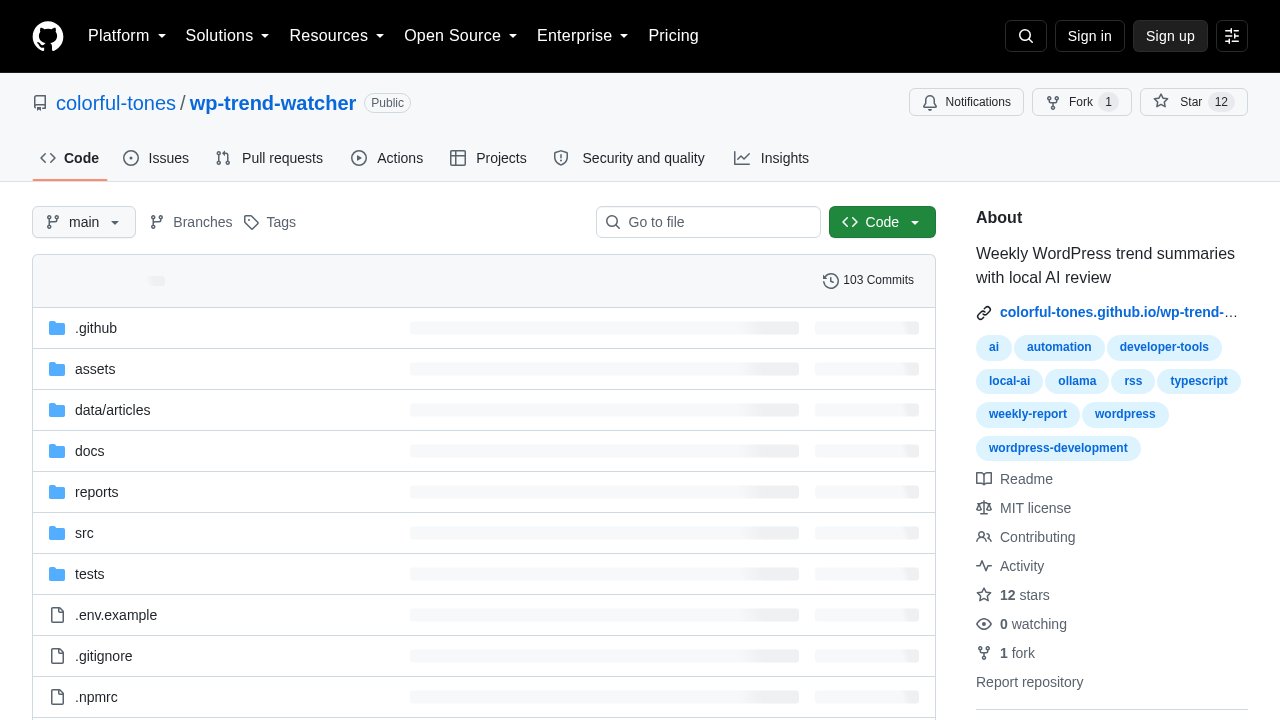
The project lives in the open on GitHub under the MIT license. It is honestly still a small one: 12 stars and one fork as of this week, after 103 commits. That number is worth stating plainly rather than dressing up, because what makes WP Trend Watcher worth an article isn’t its reach. It’s the discipline built into how it works, which we’ll get to.
Why “local” and “$0 cloud cost” are the point, not a footnote
Summarization needs a local LLM endpoint: Ollama, LM Studio, or any OpenAI-compatible server. The project’s own documentation lays out the tradeoff between three model sizes rather than just naming one default. The shipped default, llama3.2:3b, is about 2 GB and typically covers 4 to 5 of 7 articles in a synthesis pass, which the docs call fine for minimum-resource setups but not for a report Cook would actually publish. Stepping up to llama3.1:8b (around 5 GB) usually covers 5 to 7 of 7 articles, and qwen3:14b (around 9 GB) is what the docs recommend for the final report before human review, with consistent coverage of every article collected that week.

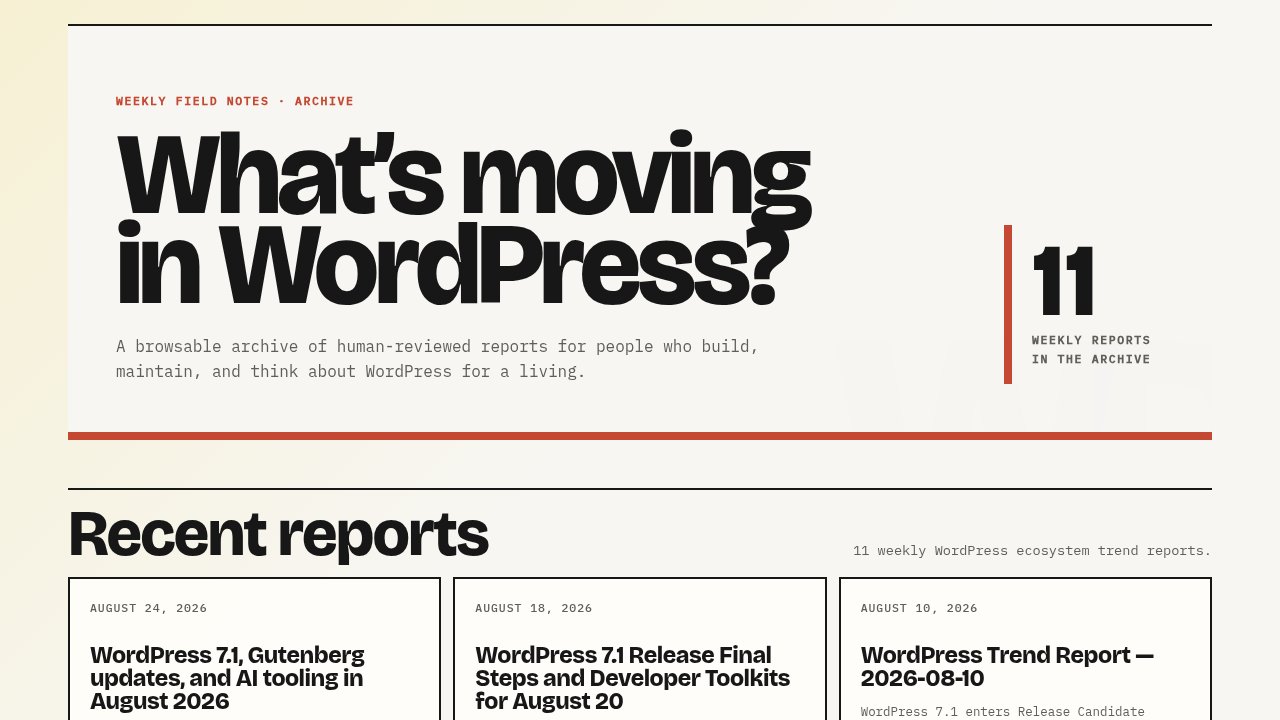
The project’s own philosophy document sets explicit cost targets: under $1 a month for personal use, under $5 a month for heavier use, described as targets rather than guarantees. Every report Cook publishes backs that up with real numbers instead of a marketing claim. His first report, dated June 12, 2026, analyzed 7 articles from 4 sources using the local llama3.2:3b model: 6,421 prompt tokens, 1,083 completion tokens, $0.00 in cloud cost, and about 15 minutes of his own review time. His most recent report, published August 24, 2026, covers WordPress 7.1 and Gutenberg news across all 6 sources, now running on qwen3:14b through LM Studio: 13 articles analyzed, still $0.00 in cloud cost, and review time down to about 8 minutes. Eleven weekly reports in, the cost stayed at zero and the review got faster, not slower.
The part every “AI replaces developers” take skips
WP Trend Watcher’s own project philosophy states it directly: AI may collect, summarize, and synthesize, but humans own the conclusions, the recommendations, the opinions, and the decision to publish, and the project explicitly avoids building toward autonomous publishing. The review checklist that ships with the project requires every claim to trace to a source, every summary to match its original article, and every trend to explain why a developer should care before a report goes out.
Cook described the same discipline in his own words on WP Tavern: “I needed to take all these RSS feeds, get them summarised, but then also verify that what’s being summarised with AI isn’t just hallucinations.” He said he clicks through most of the source articles himself: “I click through most of these and I’m reading … to validate that the summary matches.” That’s a different answer to “what should AI do inside a WordPress developer’s workflow” than the one the AI Client gives at the core level, where the emphasis is on letting a site talk to an AI provider through a standard interface. WP Trend Watcher answers the same underlying question for one person’s weekly reading habit: the AI may draft, but only Cook decides what’s THE trend worth telling other developers about.
Should you build, or borrow, something like this?
The intended audience is narrow and states its own limits: freelance and agency WordPress developers who want to stay current without reading every Make Core post and Developer Blog update by hand. If that’s you, the project runs on Node.js 22 and pnpm 11 (both pinned, installed automatically via Corepack) on macOS, Linux, or WSL2:
git clone https://github.com/colorful-tones/wp-trend-watcher.git
cd wp-trend-watcher
nvm use
corepack enable
pnpm install
cp .env.example .env   # edit if using a different model or provider
cp sources.example.yaml sources.yaml  # optional: customize sources
pnpm weekly
One detail worth getting right if you go looking through older coverage first: the six default sources live hardcoded in src/sources.ts and load automatically, no configuration needed. The sources.yaml file, copied from the included sources.example.yaml, is what lets you add or remove feeds without touching code; skip that step and the built-in six are exactly what you get. Both exist in the current version, they just serve different readers: the defaults for anyone who wants it working immediately, the YAML file for anyone who wants to point it at their own feeds.
The honest limits: this is a young project with a maintainer of one, a review step you have to actually do yourself, and a local model download before your first report. It is not a plugin you install and forget. If that trade doesn’t work for your week, it’s not the tool for you, and that’s a fair reason to skip it.
Our take
What makes WP Trend Watcher worth covering isn’t scale, twelve stars and one fork is not a movement, it’s what the project chose to build and what it explicitly chose not to: no autonomous publishing, no dashboard, no agent deciding what matters on its own. If you’re a freelancer or agency developer drowning in WordPress RSS feeds, the realistic first step is trying the default setup on a machine you already use for development, with the smallest model, before deciding whether the weekly review habit is one you’ll actually keep. Budget a real evening for the first run: cloning the repo, installing a local model through Ollama or LM Studio, and reading through your first report end to end, the same way Cook did with his first one back in June. If you want to see where AI inside WordPress itself is headed at the same time, our overview of the three building blocks in core is the institutional half of this same story. Enjoy your first quiet Sunday morning report!