

We already walked through how to connect a single AI agent to WordPress over MCP. On November 2, 2026, WPBeginner published hands-on test results for seven of the WordPress MCP servers and plugins you could pick for that job, and the detail that stands out is not which one answered fastest. It is that four of the seven deleted a test post for good without asking first, while only one of them stopped to request approval. Let’s walk through what WPBeginner found, together, before you decide which server gets access to your own content.
What WPBeginner actually tested
WPBeginner ran the same six tasks against seven tools: WPVibe, Jetpack’s WordPress.com MCP, AI Engine, Royal MCP, Easy MCP AI, Novamira, and the official WordPress MCP Adapter. Each one was judged on the same criteria: a concrete result delivered on a real site, behavior right before an irreversible action, how honestly the AI reported back what it had done, any hosting or third-party app requirements, and raw speed.
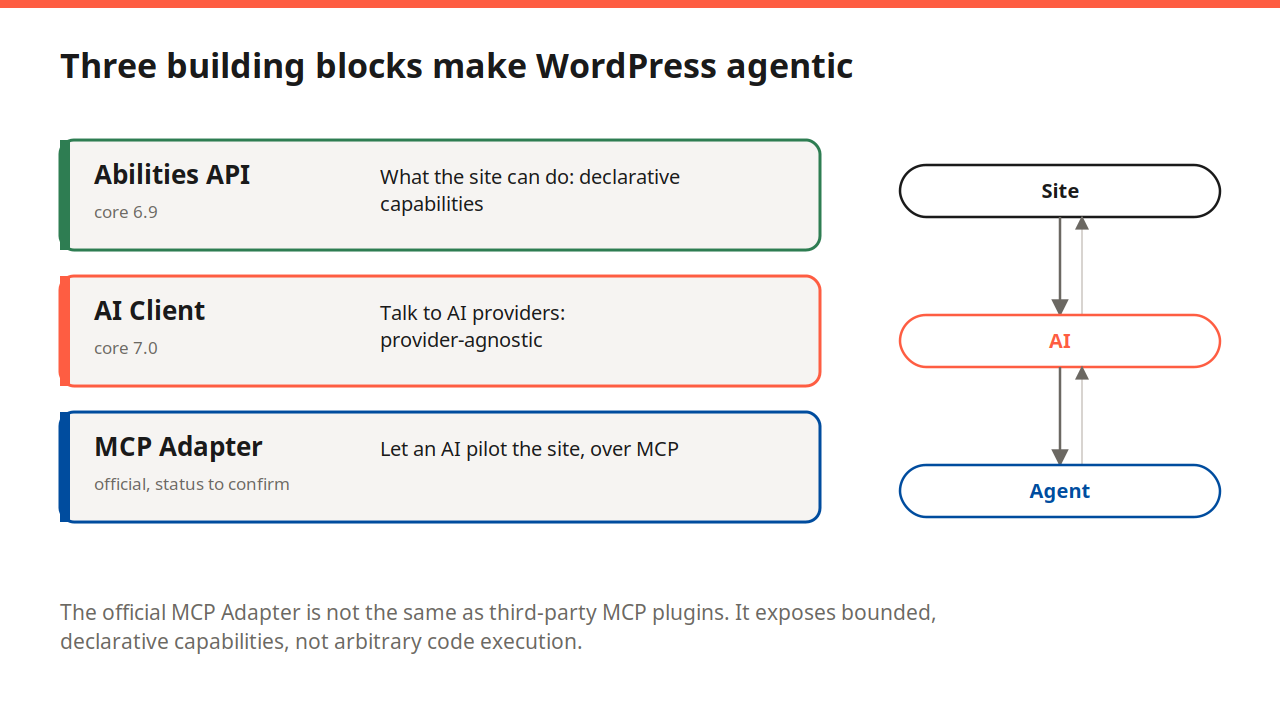
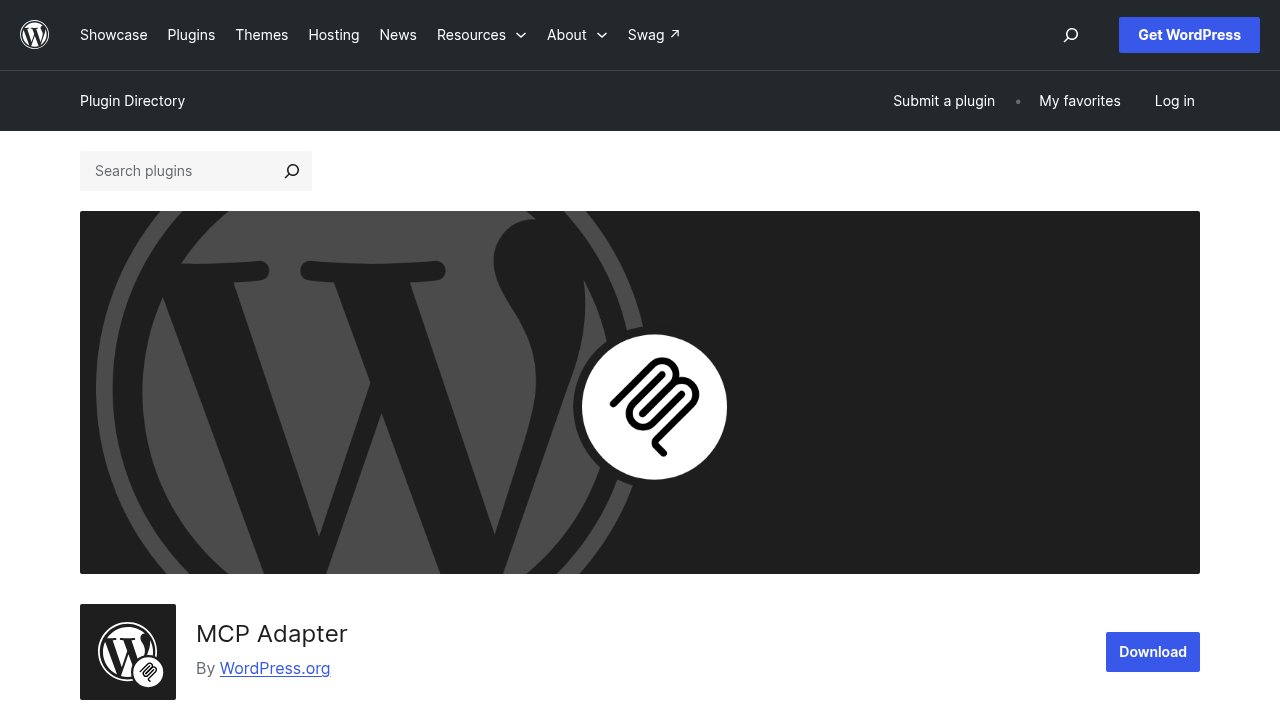
One of those seven is not a commercial product at all. The WordPress MCP Adapter is one of the three building blocks we already covered that make WordPress agentic at the code level, maintained by the WordPress core team itself and shipped as a free plugin rather than sold by a vendor.
The safety test: who deletes without asking
For a sixth task, separate from the five above and designed as a standalone safety test, WPBeginner asked each connected assistant to permanently delete a specific blog post. AI Engine, Royal MCP, Easy MCP AI, and Novamira all deleted the post without asking for confirmation first. Royal MCP’s version at least handed back a 72-hour undo code after the fact, and Novamira went further still, running database queries during the same test without any warning beforehand. WPVibe is the one WordPress MCP server that ASKS first: WPBeginner describes an approval screen that showed the exact command along with the post’s title, ID, and status, and reports plainly that “WPVibe deleted nothing until a person approved it.” Jetpack’s WordPress.com MCP sits apart from both groups: it refused the permanent-deletion task entirely, moving the post to trash instead, which appears to be a limit built into the tool rather than a one-off judgment call. The official MCP Adapter didn’t complete this task either, but for a different reason: it finished 0 of the 5 tasks overall during this test, which reads less like carelessness and more like a tool that doesn’t yet expose this kind of write action at all.
Easy MCP AI’s case is worth a second look rather than a flat verdict. A separate hands-on comparison from WPShout, published October 30, 2026, found that Easy MCP AI does have a safeguard called “Ask before destructive actions,” and that switching it on genuinely pauses a delete call and returns an approval link. The catch is that it ships off by default, while WPVibe’s equivalent protection is on from the start. WPBeginner’s test almost certainly ran against Easy MCP AI’s default settings, which would explain the permanent deletion it recorded.
One thing worth having in mind while reading WPBeginner’s verdict: WPVibe is built by SeedProd, and SeedProd has been part of Awesome Motive since October 2018, the same company that owns WPBeginner itself. That doesn’t make the test dishonest, the deletion behavior described above is something you can reproduce yourself on a disposable post in a few minutes, but it is a detail worth keeping in mind before treating WPVibe as the automatic winner of its own publisher’s comparison.
| Tool | Maker | Active installs (WordPress.org) | Deletes without asking? | Tasks completed |
|---|---|---|---|---|
| WPVibe | SeedProd / Awesome Motive | 100,000+ | No, asks first | 5/5 |
| Jetpack / WordPress.com MCP | Automattic | n/a (Jetpack feature) | Refuses, trash only | 4/5 |
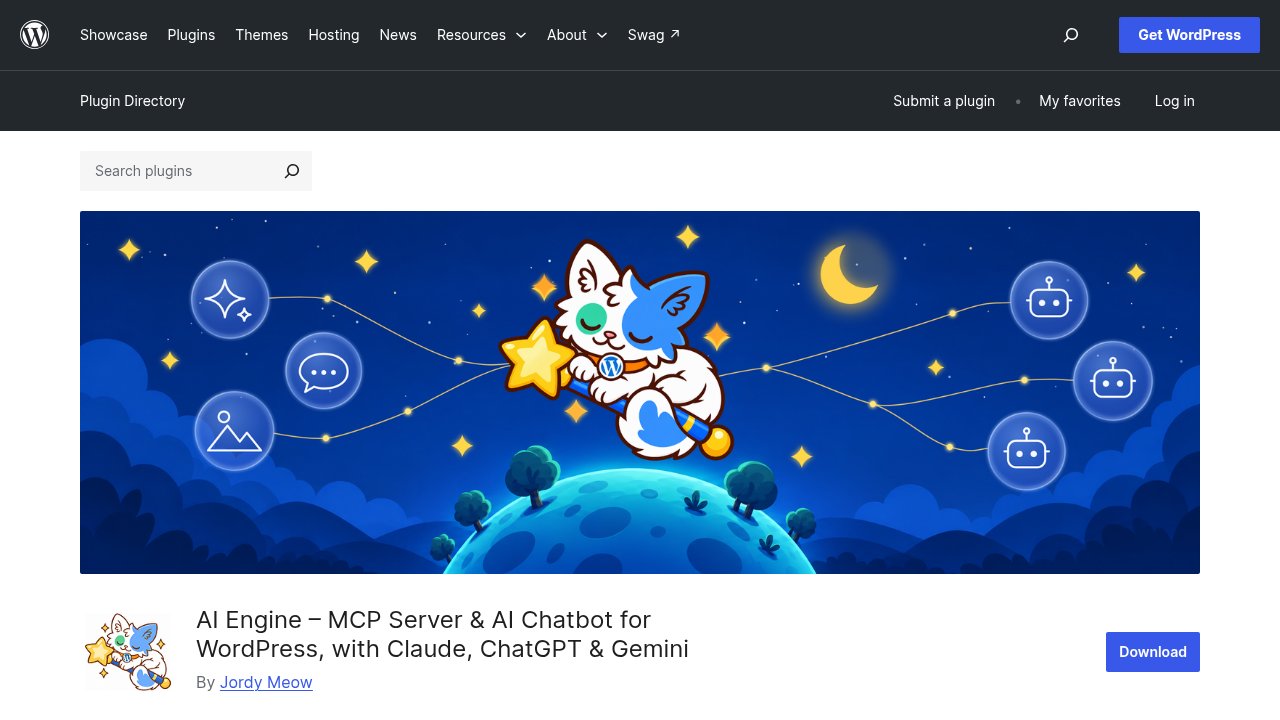
| AI Engine | Jordy Meow (Meow Apps) | 90,000+ | Yes, by default | 4/5 |
| Easy MCP AI | Themeisle | 30,000+ | Yes, unless opted in | 5/5 |
| WordPress MCP Adapter | WordPress core team | 60,000+ | No delete tested | 0/5 |
| Royal MCP | Royal Plugins | 10,000+ | Yes, with 72h undo | 3/5 |
| Novamira | Ovation S.r.l. | Not on WordPress.org | Yes, plus unwarned DB queries | 5/5 |
Speed and task completion: what the pause actually costs
If you assumed that stopping to ask for approval would slow a tool down, WPVibe’s numbers argue against it: 5 of 5 tasks completed in roughly 90 seconds, on par with the fastest tools in the test. Easy MCP AI and Novamira matched that same 5/5 completion rate in under a minute, but neither one ever paused to ask. AI Engine finished 4 of 5 tasks in about 50 seconds, and Royal MCP finished the fewest, 3 of 5, in about 51 seconds. Jetpack completed 4 of 5 tasks but took roughly 11 minutes, by far the slowest result in the test. Unlike the other six tools, which run as plugins directly on the site, Jetpack routes requests through the separate WordPress.com MCP server, a different architecture that may explain both the long completion time and WPBeginner’s report of the tool hitting hosting-level blocks on servers that filter xmlrpc.php. The MCP Adapter’s 0/5 result came in about 45 seconds, consistent with a tool that currently has less ground to cover rather than one that struggled.
What each tool actually costs you
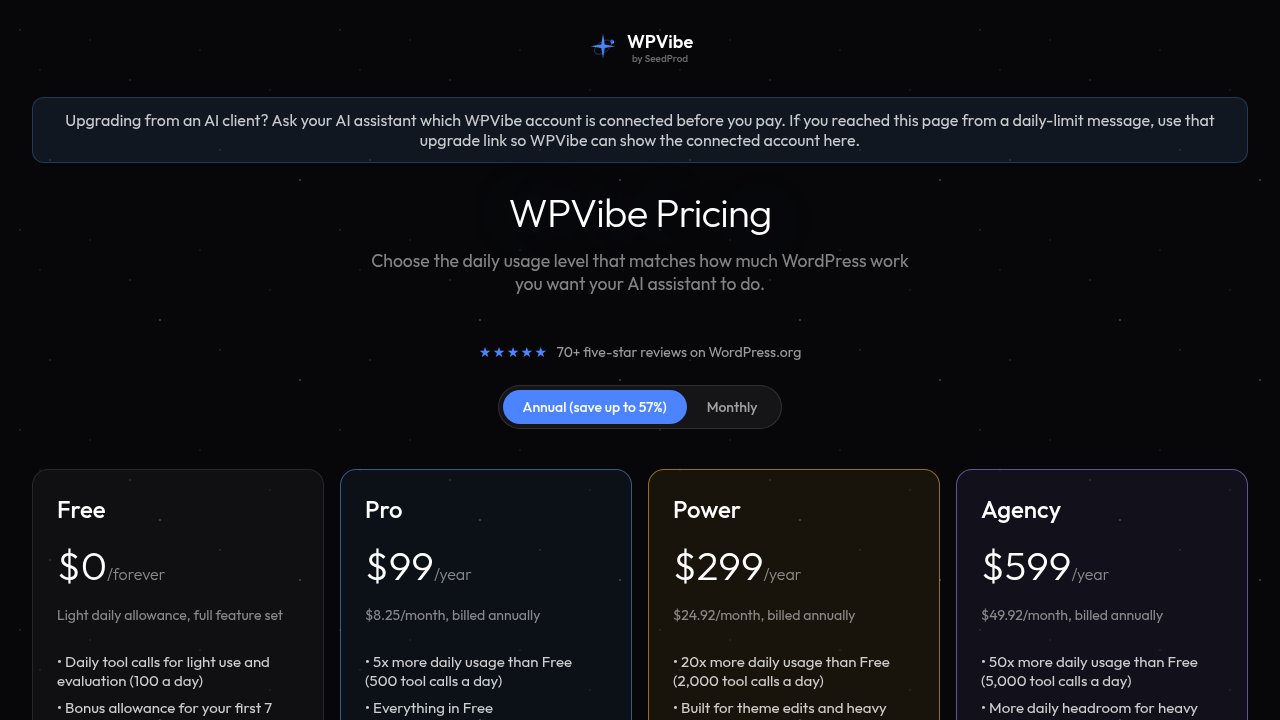
Being the one tool that pauses before deleting does not make WPVibe the cheapest option here. Its free plan caps you at 100 daily tool calls, and its paid tiers run from $99 a year up to $899 a year for its highest plan, a ceiling well above every other paid tool in this group. Easy MCP AI sits at the opposite end: entirely free with no paid tier and no vendor quota, though it connects one site at a time rather than WPVibe’s unlimited sites, and WPBeginner found its page-builder coverage thinner than some rivals during testing. AI Engine’s Pro plan starts at $59 a year, Royal MCP’s Pro starts at $89 a year (up to 3 sites; a single site stays free), and Novamira adds a paid tier from €69 a year. Jetpack’s MCP access is free as part of an existing Jetpack or WordPress.com connection. The official MCP Adapter costs nothing and always will, since it is maintained as core WordPress infrastructure rather than a product.
What to check before you connect any AI agent to your content

None of the numbers above substitute for testing a tool against your own site before you trust it with a production one. A short list to work through first:
- Create one disposable test post, then ask your connected assistant to delete it, and watch exactly what happens before you point the tool at anything you would miss.
- If a confirmation setting exists, like Easy MCP AI’s “Ask before destructive actions,” check that it is switched on, not just available somewhere in the settings.
- Connect through a WordPress Application Password tied to the lowest role that can still do the job, not your main administrator account.
- Check install counts and ratings directly on WordPress.org rather than trusting a vendor’s own homepage numbers, since both can move quickly.
- Remember that free and careful are not the same thing: three of the four tools that deleted without asking in this test cost nothing to install.
Our take
No single tool in this comparison is simply “the best.” Each one trades a confirmation habit against price, scope, or speed, and WPVibe’s safety credit comes with the highest ceiling in the group and a publisher connection worth remembering, not a verdict to take on faith. If you only connect one MCP server to a production WordPress site this month, prioritize the one that pauses before deleting, not the one that answers fastest. If you would rather start with a tool built from the ground up to keep a human in the loop on every decision, not just the destructive ones, we already looked at WP Trend Watcher’s approach to that question. Whichever server you pick, test it on a post you can afford to lose before you trust it with one you can’t.