

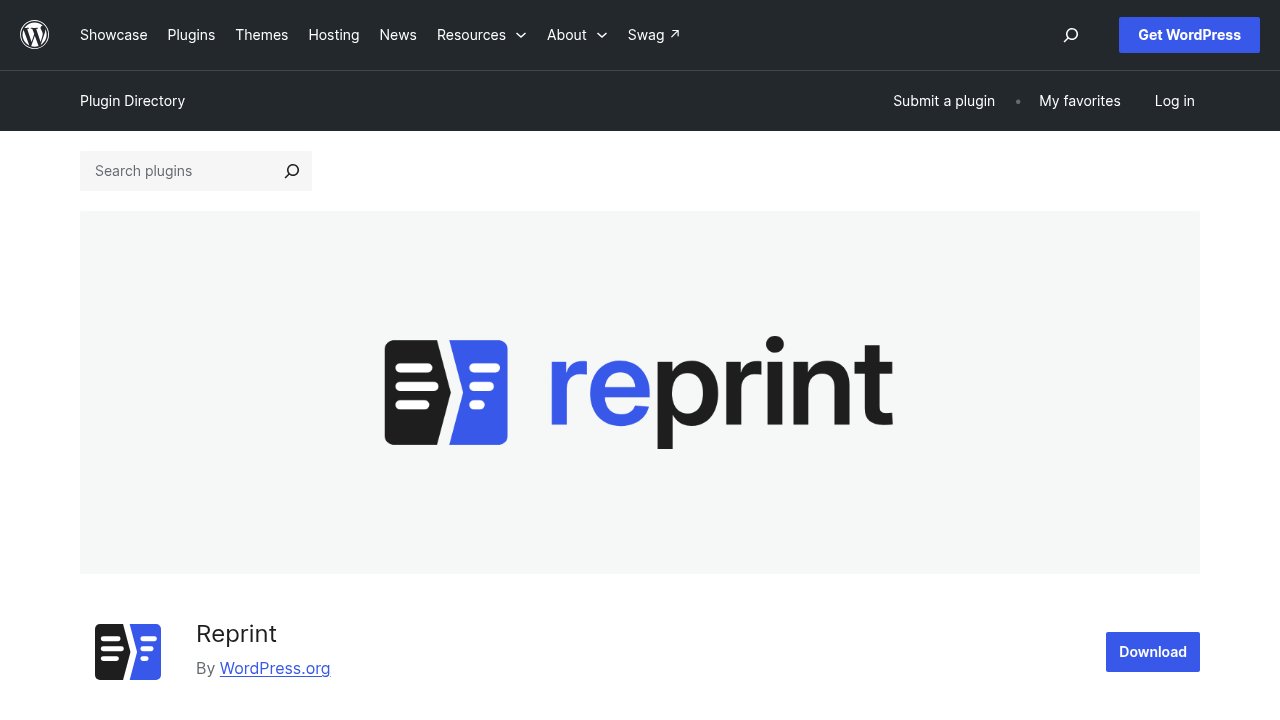
On November 13, 2026, wordpress.org/news gave a dedicated feature article to Reprint, a free, open-source plugin that copies a WordPress site’s files and database to another host, a dev server, or your own laptop. At the time, the WordPress.org plugin directory listed Reprint at version 0.11.8 with 60 active installations, a treatment the site almost never gives a plugin this early in its life. If you’ve read our guide on choosing WordPress plugins without regretting it later, that gap between an official spotlight and a barely-started install count is exactly the kind of detail worth pausing on before you click install. Let’s walk through what Reprint actually does, and who should wait before trying it, together.
What Reprint actually copies, and how
Reprint works in two separate pieces. You install the Reprint plugin on the site you want to copy from, the source, and authorize a transfer over HTTPS. A separate command-line client, named reprint.phar, runs on the machine receiving the copy and pulls the files and database directly from the source, with no archive uploaded to a third-party service in between. That command-line client is a download separate from the plugin itself, and it needs its own PHP 7.4 or newer on the receiving machine, while the source site only needs the PHP 5.6.20 the plugin requires. According to WordPress.org’s own announcement, Reprint resumes a transfer from its last saved point if the connection drops, and on a repeat copy it only re-sends the files that changed since the previous run.
The tool also rewrites URLs when the destination has a different address than the source, something several migration tools only handle partway. Reprint’s own documentation says that rewrite reaches site settings, blocks, shortcodes, and data structures like serialized values and custom fields, not just the obvious text fields on a page. If you’d rather see the plugin before installing anything, an experimental option in the same announcement lets you try a copy directly inside WordPress Playground, no installation required.
Why an official WordPress.org feature on a 0.x plugin is unusual
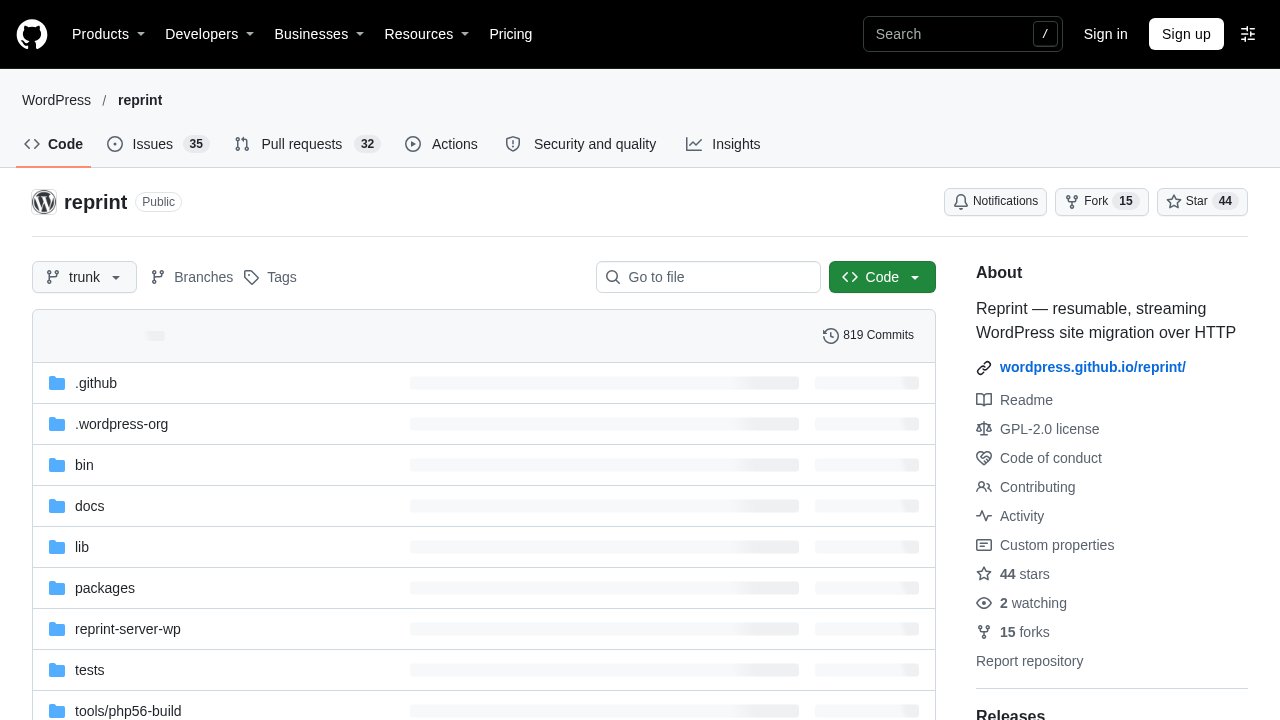
Reprint isn’t a side project the WordPress.org News team picked up after the fact. The plugin’s own directory listing names “WordPress.org” itself as a contributor alongside creator Adam Zieliński, and its source code lives in the WordPress organization on GitHub, not under an individual developer’s personal account. That is the detail that actually explains the spotlight: wordpress.org/news wasn’t promoting a stranger’s plugin, it was introducing one built inside the project’s own infrastructure. Reprint even has its own handbook on developer.wordpress.org, the kind of dedicated documentation space WordPress tends to reserve for tools it expects to matter.
None of that changes what the install counter says. Checking the plugin’s listing again while writing this, four days after the wordpress.org/news feature ran, active installations have grown from the 60 cited at launch to just over 70. The gap between infrastructure-level backing and real-world adoption is still wide, and it’s worth knowing which side of that gap you’re standing on before you rely on Reprint for anything that matters.
How this differs from the migration tools you already know
wp-premiums readers already have two migration-adjacent tools in mind. All in One WP Migration is the long-running backup-and-restore plugin that packages your site into a single export file you then upload somewhere else by hand. Simply Static, which we compared against two alternatives last month, turns a WordPress site into static HTML files with no live database left to maintain afterward. Reprint does neither of those things. It copies a live site directly onto another live site over HTTPS, with no export file to generate, store, or manually upload, and no static snapshot that drops the database once the job is done.
The three tools solve three different problems: archive-and-restore, WordPress-to-static, and live-site-to-live-site, and picking between them starts with naming which of those three you actually need. A site owner who wants a downloadable backup still wants All in One WP Migration. A team publishing a brochure site that never needs WordPress again after launch still wants Simply Static. Reprint’s niche is narrower and newer: keeping a source site live while standing up a working copy elsewhere, with the ability to resume and re-sync rather than starting over.
What Reprint still can’t do
Reprint’s own documentation is unusually direct about its current limits, which reads as a sign of a project still finding its footing rather than a weakness the team is hiding. A copy runs in one direction only: the destination’s database tables are dropped and rebuilt from the source, so there’s no merging of changes made on both sides and no two-way sync.
According to Reprint’s own limitations page, the tool can’t get past a host’s firewall or a Cloudflare challenge, skips any file blocked by a server’s open_basedir setting, and always leaves out generated files such as caches, logs, and backups. It doesn’t rewrite hardcoded URLs sitting inside files, doesn’t fix filenames that are incompatible between hosts, and leaves DNS changes and deleting the old site entirely up to you. The WordPress.org-hosted version of the plugin doesn’t support pushing a copy onto a new destination either: the reprint.phar client as downloaded only handles pulling a copy in, and pushing needs a separately built server build configured by the host, not just the same client download. It also can’t copy an entire multisite network in one pass, and a native Windows PHP setup can’t run the push side of a transfer at all.

Our take
Beyond the official spotlight, what we’d actually tell you depends on what you want Reprint for. A version 0.11.8 plugin with roughly 70 active installations is not yet where we’d point anyone migrating a production site they can’t afford to get wrong. It’s exactly where we’d point anyone curious to see how a resumable, incremental site copy behaves, because the lower-stakes uses line up well with where the project actually stands today:
- If you want to see Reprint without installing anything, try the experimental option inside WordPress Playground first.
- If you’re testing a theme, plugin, or core update, copy your site to a local or dev environment with Reprint rather than experimenting directly on production.
- If you’re planning an actual host migration, treat Reprint as one option to test on a disposable copy first, not as your only plan.
- If something goes wrong mid-transfer, check Reprint’s own limitations page before assuming it’s a bug: several of the behaviors above are by design, not an oversight.

Give Reprint a few more release cycles before trusting it with a site you can’t afford to lose. And if you want the fuller picture of how plugin installation itself works before you try it, our step-by-step tutorial for installing a WordPress plugin is a good place to start.
Photos: SHVETS production, Greta Hoffman, Thirdman / Pexels. Screenshots: WordPress.org and GitHub, official.