

Update, October 24, 2026: on October 23, the PHP project published an informational advisory about a third, unlikely issue, CVE-2026-115560, tied to session.upload_progress. It can only occur if an application sets session.serialize_handler to php_binary or php_serialize and then switches it to php at runtime with ini_set() before calling session_start(), while session upload progress is still enabled. Until the next regular bugfix release, the project suggests setting session.upload_progress.enabled=0. If you already applied that setting as a mitigation for CVE-2026-109619, keep it in place; no further action is needed. A full advisory will follow with the next release. Source: php.net, October 23, 2026.
On October 21, 2026, the PHP project shipped versions 8.5.12, 8.4.27, 8.3.36, and 8.2.35 to close two vulnerabilities living inside the PHP engine itself, not in any WordPress plugin or theme. Both carry a CVSS v4.0 score of 9.2, and both let an attacker run their own code on the server without logging in, submitting a password, or getting anyone to click anything. WordPress runs on PHP everywhere, from a shared host to a managed enterprise cluster, which means this release touches essentially every WordPress site standing. Let’s walk through what’s actually going on, together.
Why These Two Bugs Don’t Need a Login
It isn’t the first time a flaw with a comic-book nickname has forced an unscheduled update on this site. wp2shell, the WordPress core flaw we covered earlier this year, lived inside WordPress itself and was already under active attack by the time we wrote about it. The pair patched this week is different enough to name apart: the security community has started calling it “PHP2Shell”, and despite the similar-sounding name, neither CVE touches a single line of WordPress code. Both sit inside PHP, the language WordPress is written in and runs on, one layer further down the stack than wp2shell ever was.
According to the PHP project’s own security advisory, CVE-2026-109618 is triggered when a request hits PHP’s memory limit at exactly the wrong moment: the engine can leave internal request data only partially set up, then treat that incomplete data as valid once the request is cleaned up. CVE-2026-109619 works differently. A fatal error at the wrong point can leave internal state pointing at memory that belonged to an earlier request, memory a later request handled by the same worker process can reach before it gets reset. Neither path asks the attacker to prove who they are first. The PHP Foundation’s own writeup names Apache running mod_php as the highest-risk configuration, with a demonstrated exploit that fires before any WordPress code even starts executing.
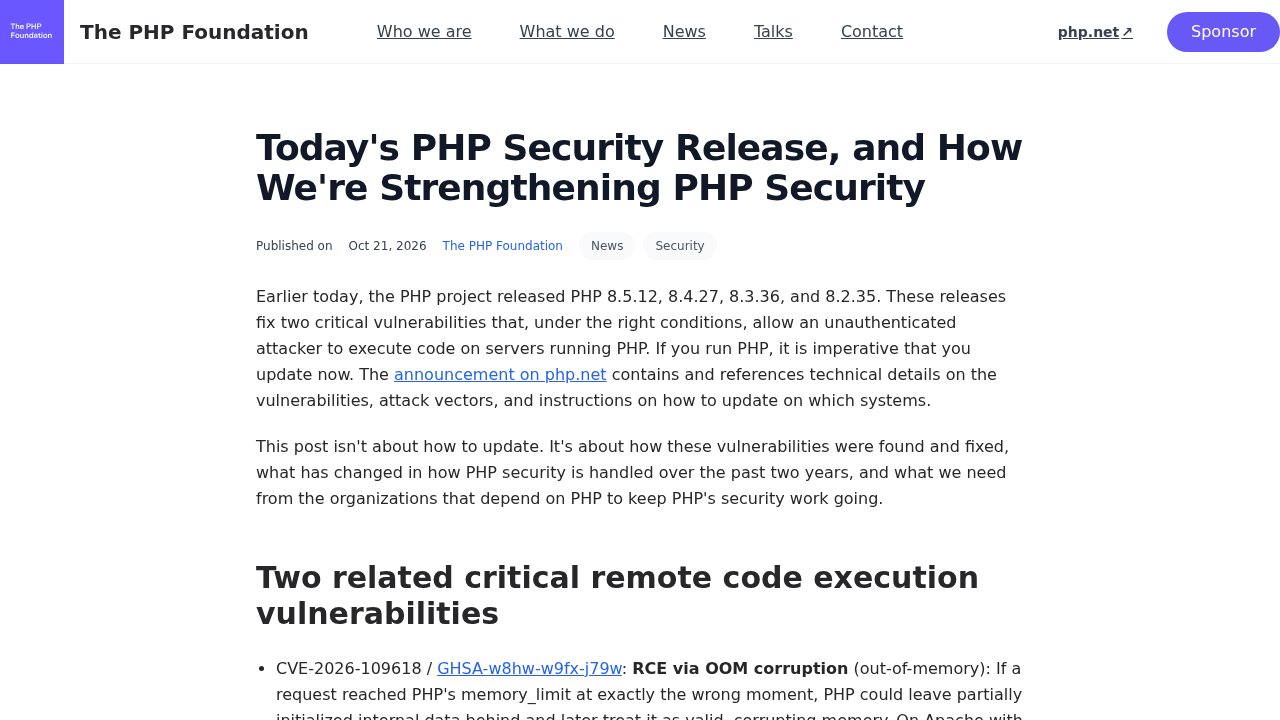
Some early coverage repeated a CVSS score of 10.0; the PHP Foundation has since corrected that figure publicly, the confirmed score for both flaws is 9.2. What’s harder to wave away is the timeline since the patch shipped. Security researchers at watchTowr say their honeypot network has picked up exploitation attempts since the day of release, and a proof-of-concept exploit has been circulating publicly since October 22. As of the most recent guidance from Canada’s official Cyber Centre, no confirmed successful compromise has been tied to either flaw, though the advisory itself warns that can change quickly. Read that as what it is: a short window, not a guarantee.
WordPress Up to Date Doesn’t Mean THE Server Is
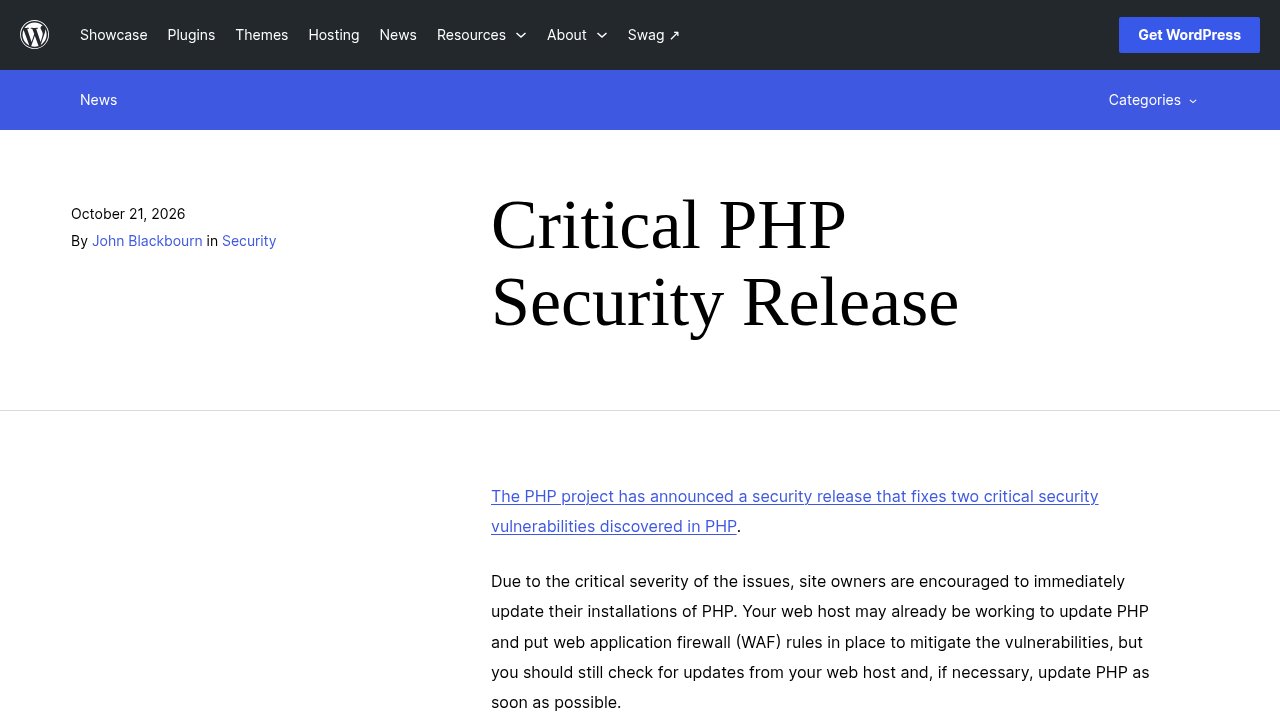
WordPress.org relayed the advisory the same day, and its own post is unusually direct about what this means for site owners. That announcement makes one thing explicit: no WordPress update is required or planned for these issues, because the vulnerability sits outside anything WordPress core controls. That line is the whole hook of this story. A site can run the newest WordPress core, the newest theme, and every plugin fully patched, and still sit exposed, because the flaw lives one layer below the CMS, in the PHP interpreter that runs it.
Who owns that layer depends entirely on how the site is hosted. On shared hosting, the host runs PHP for every customer on the server and typically pushes the update without you doing anything, though confirming is safer than assuming. On a VPS, a dedicated server, or anything self-managed, updating PHP is your job, not your host’s, and nobody pushes it for you automatically. WordPress.org’s own guidance for that second group is blunt: site owners still running a PHP version older than 8.2 are urged to consider taking the server offline until it’s updated, because those older branches no longer receive a real fix, only partial backports.
Are You Exposed? A Two-Minute Check
Let’s get your site checked, together, it takes less time than reading this paragraph. Open your WordPress dashboard, go to Tools, then Site Health, then the Info tab, and look under Server. The PHP version running your site is listed right there, the same path WordPress.org itself points to in its advisory. If the number reads 8.5.12, 8.4.27, 8.3.36, or 8.2.35, or anything higher within each branch, you’re already covered. Anything older needs attention.

On shared hosting, the fastest path is your host’s support chat or control panel, most hosts expose a PHP version selector directly in cPanel or their own dashboard. If you manage your own server, the update runs through your package manager or container image like any other PHP upgrade. One date is worth circling either way: PHP 8.2 reaches end of life on December 31, 2026, so patching to 8.2.35 today only buys about two months before that branch stops receiving fixes entirely, including the next one of these.
If You Can’t Patch Tonight
The PHP project is explicit that none of what follows replaces the update: there is no complete mitigation without upgrading, only ways to narrow the exposure while you get there. For CVE-2026-109618, the project’s advisory recommends setting memory_limit=-1 so a request can’t be interrupted by hitting a finite memory cap, combined with a low post_max_size, 8M if the site doesn’t need uploads, 32M if it does, with upload_max_filesize kept below that figure. For CVE-2026-109619, the advisory calls for session.upload_progress.enabled=0, applied through php.ini or the server configuration rather than at runtime, and on PHP 8.5 specifically, fatal_error_backtraces=0 as well. Every one of these needs a full worker restart to take effect; changing the setting without restarting PHP-FPM or Apache leaves the old, vulnerable behavior running underneath the new configuration file.
Our take
We’ve written before about what a WordPress security release actually fixes, and the habit that piece tried to build still applies here: check the version number yourself, don’t assume a badge that says “up to date” covers everything underneath it. This time, the number that matters isn’t even WordPress’s to display. If you host your own server, update PHP tonight rather than waiting for your next maintenance window, and if you’re on shared hosting, a short message to your host confirming the patch has landed is worth sending even if their panel already shows the fix. This flaw isn’t dramatic to look at: no stolen admin screen, no defaced homepage, just a version number quietly out of date. That’s usually how the layer underneath the one you’re watching gets missed.
Photo: Christina Morillo/Pexels.