

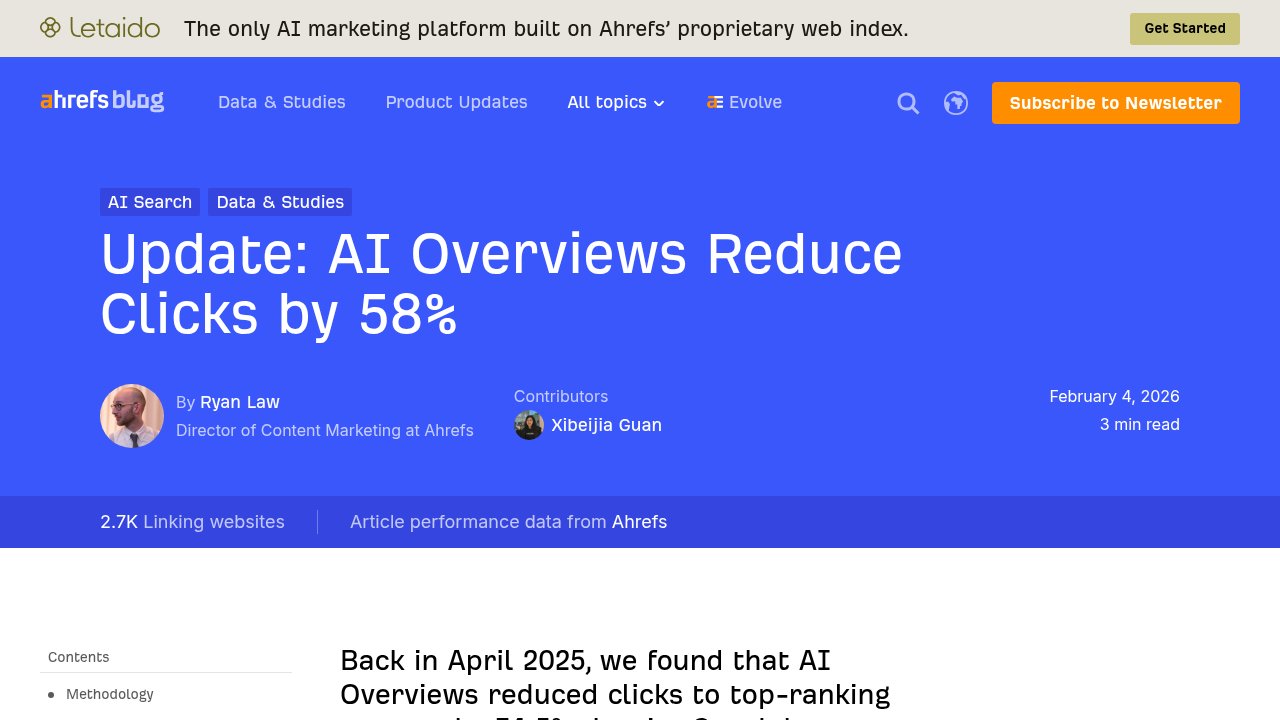
We’ve already looked at how artificial intelligence is showing up inside WordPress itself, in the dashboard tools that help you write, tag, and manage a site. This piece looks the other way: at the AI systems reading your WordPress site from the outside, the ones deciding whether to summarize a page, cite it, or skip it, before anyone actually clicks through. On February 4, 2026, Ahrefs’ Ryan Law published new data putting a number on what a lot of site owners had already noticed in their own traffic: when a Google AI Overview sits above a page that used to rank first, that page’s click-through rate drops by 58%. Let’s walk through what’s actually proven here, and what’s still a guess, together.
Why your organic clicks are actually falling
Ryan Law’s team at Ahrefs compared Google Search Console data across 300,000 keywords, half of them paired with an AI Overview and half without, between December 2023 and December 2025. “For every 100 clicks you could historically earn for a top-ranking page, Google now keeps 58,” the study concludes for the position-1 result when an AI Overview appears above it. That single number lines up with several independent analyses rather than standing alone: Seer Interactive found a drop of 49.4% to 65.2% depending on the query set, Kevin Indig measured more than 50%, and Authoritas put it at 47.5%. The exact range moves with methodology, but every study lands in the same direction and the same rough order of magnitude, which is the part worth trusting.
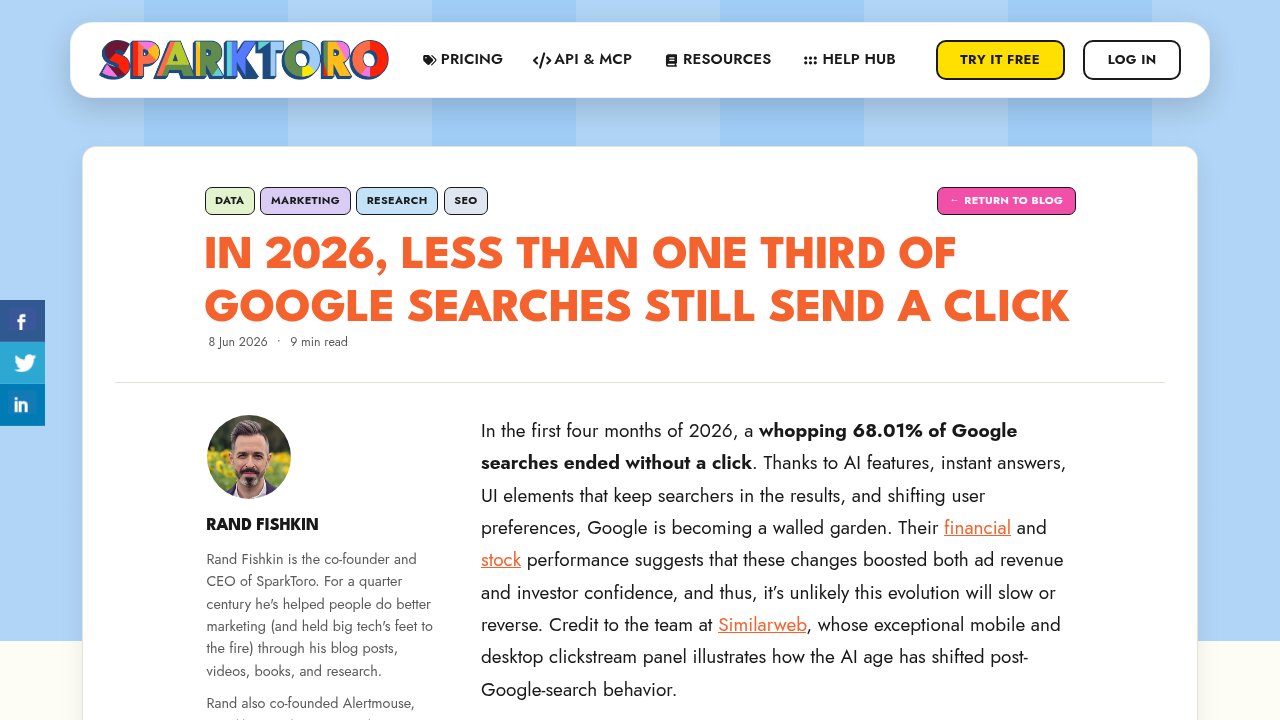
The clicks are not simply moving to a different result either. Rand Fishkin’s SparkToro reported that 68.01% of Google searches ended without any click at all across the first four months of 2026, based on Similarweb’s clickstream panel, up from 60.45% two years earlier. Put together, the two data points describe the same shift from different angles: a rising share of searches, particularly the ones with an AI Overview attached, resolve entirely inside the results page or inside a chat window. A WordPress site that only optimizes for the old blue links is optimizing for a shrinking share of the outcome.
Who is actually reading your WordPress site today
Before changing anything technical, it helps to know exactly who is asking. Each major AI company runs several distinct bots for different jobs, and each identifies itself by name in the request, the same way Googlebot has for decades. OpenAI runs GPTBot to collect training data for its models, a separate OAI-SearchBot to index pages for ChatGPT’s search feature, and ChatGPT-User, which only shows up when a person actually asks ChatGPT to open a specific page. Anthropic follows the same three-way split with ClaudeBot for training, Claude-SearchBot for search indexing, and Claude-User for on-demand fetches triggered by someone’s question. Perplexity runs PerplexityBot for search indexing only, its own documentation is explicit that it is “not used to crawl content for AI foundation models,” plus Perplexity-User for on-demand fetches, which by design tends to ignore robots.txt since a person, not the bot, chose the destination.
Google-Extended is not actually a separate crawler: it is a control line you add to robots.txt that tells Google whether content its normal crawler already collects can also train future Gemini models or feed Gemini’s grounding features. Blocking Google-Extended does not remove you from Google Search results, and leaving it out of your robots.txt does not add you to them either; the two systems are independent.
None of this matters if a security plugin or your content delivery network (CDN) is quietly blocking these names. Cloudflare and Wordfence in particular ship with bot-fighting rules aggressive enough to catch AI crawlers by accident, especially on a default configuration. Checking your site’s raw access logs, or the bot-management section of whatever firewall sits in front of WordPress, for a blanket block on these user agent names is a five-minute job worth doing before anything else on this list.
The fundamentals that are already proven
Once the door is actually open, what a crawler finds behind it matters more than any single WordPress plugin. Content that only appears after JavaScript runs, the kind hidden inside an accordion or a tab that loads on click, is invisible to a crawler that does not render your scripts; the fix is making sure the important paragraphs exist in the server-rendered HTML WordPress already outputs, not just in a UI interaction. Structured data pulls in the same direction: Article or BlogPosting markup, Organization and Person for your byline, BreadcrumbList for navigation, FAQPage where you actually answer questions, and Product or Offer schema if WooCommerce is running, all give an AI system a machine-readable summary of what the page is instead of forcing it to guess from prose. None of this requires new tooling: Yoast, Rank Math, and AIOSEO already generate this schema as part of the SEO setup most WordPress sites run today, so the actual task is checking the boxes are switched on rather than installing something new. One more detail worth keeping honest: a visible, accurate dateModified on the page matters to a system deciding whether your content is still current, so a “last updated” stamp that never changes even after real edits works against you.
llms.txt: worth setting up, not worth counting on
llms.txt is a plain text file at the root of a site, listing links and short descriptions meant to give an AI system a clean map of your content instead of a full crawl. Anthropic, Perplexity, Stripe, Cloudflare, and Vercel have all published one for their own sites, a real signal of adoption among AI and infrastructure companies, not proof that it does anything for a WordPress blog. On the social network Bluesky, in early August 2025, Gary Illyes stated plainly that Google does not support llms.txt and has no plans to, comparing it to the keywords meta tag, a field search engines stopped trusting more than a decade ago precisely because site owners control it and can write anything they want. No public statement from OpenAI, Anthropic, or Meta confirms that their crawlers read a third-party llms.txt file in production either.
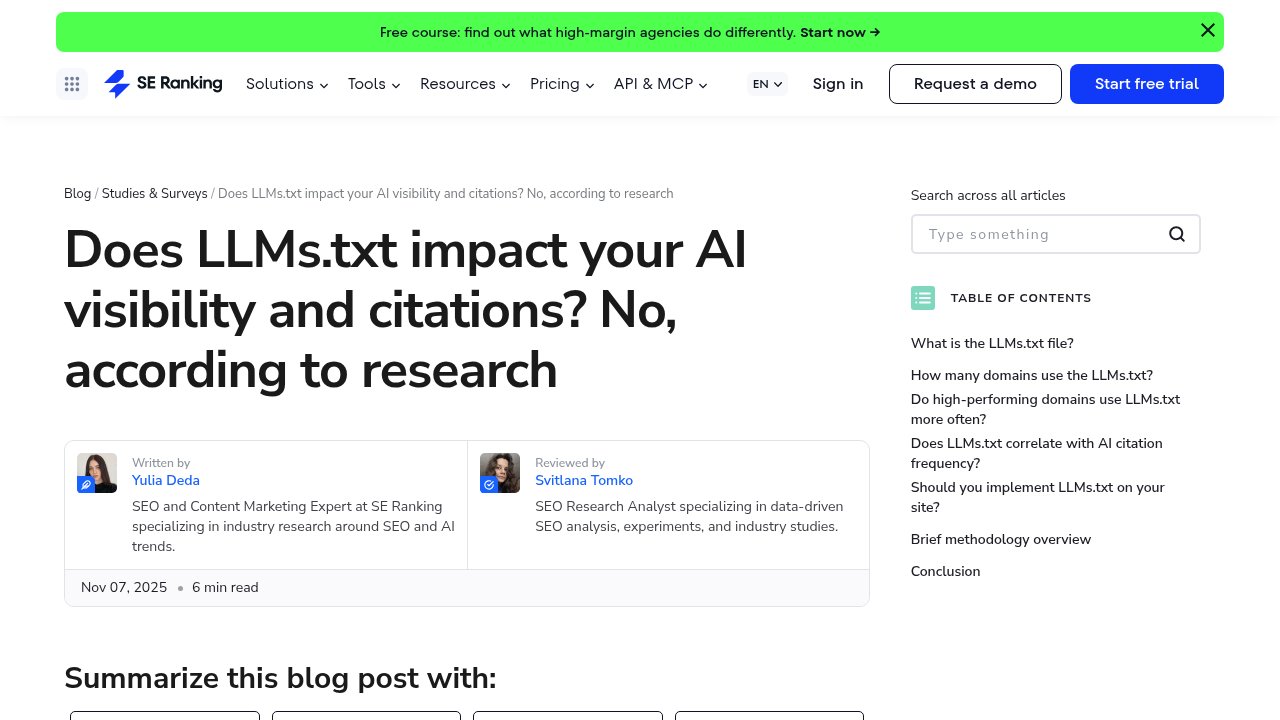
The clearest data point so far argues the same way. SE Ranking analyzed 300,000 domains and found no correlation between having an llms.txt file and being cited by AI systems; in their own words, when they removed llms.txt from their prediction model entirely, the model’s accuracy improved, meaning the file was adding noise rather than signal. Only 10.13% of the domains studied had one at all, and adoption was not even higher among high-traffic sites, so this is not yet a case of “everyone else is already doing it.”
None of that makes llms.txt a bad idea, just an unproven one. It costs nothing but a few minutes to generate and does not conflict with anything else on this list, so treat it as cheap insurance rather than a visibility lever. Website LLMs.txt is a free, dedicated WordPress plugin for it with 40,000+ active installs, LLMs.txt and LLMs-Full.txt Generator covers a fuller export, and RankReady bundles it with broader AI-SEO features. Yoast, Rank Math, and AIOSEO also generate a basic version for free if you would rather not add another plugin.
What to actually change, and in what order
Put the two PROVEN categories ahead of the unproven one, in this order:
- Check your CDN, firewall, and security plugin logs for GPTBot, OAI-SearchBot, ChatGPT-User, ClaudeBot, Claude-SearchBot, Claude-User, and PerplexityBot being silently blocked, and allow them if you want to be readable by AI search at all.
- Confirm your key content, not just your marketing copy, renders in plain server-side HTML rather than only inside JavaScript-driven accordions or tabs.
- Turn on Article, Organization, Person, BreadcrumbList, FAQPage, and Product/Offer schema in your existing SEO plugin, and keep dateModified accurate whenever you actually edit a post.
- Only after that: add an llms.txt file with a free plugin if you want the cheap insurance, but do not expect it to move the needle on its own.

Our take
The 58% CTR drop and the 68% no-click rate are the real story here, and they justify acting on the fundamentals now rather than waiting for more data. llms.txt deserves a place on the list because it is nearly free, not because anyone has shown it works: treat crawler access and structured data as the actual project, and llms.txt as the five-minute afterthought once those are done. If you want to go deeper on the SEO side of a WordPress site before touching any of this, our roundup of where to learn SEO properly is a good place to start. Test the structured data changes on a staging copy first if your site is not already using version control, and revisit this list in a few months, since which of these categories counts as proven is likely to keep shifting.