

On December 17, 2024, Vercel and the SEO consultancy MERJ published a traffic study that answers a question most WordPress site owners have never had to ask: when an AI crawler lands on a page, does it actually see what a human visitor sees? wp-premiums has already walked you through what the AI Client changes on a WordPress site, and what it does not, always from the angle of an agent acting on your site once it gets there. The Vercel/MERJ study asks something that comes before any of that. Can these crawlers even read the page in the first place? Their data says no, for most of the AI crawlers visiting WordPress sites today. Let’s walk through what that data actually shows, and who on WordPress needs to worry about it.
Do AI crawlers actually see your page the way you do?
None of the major AI crawlers in the Vercel/MERJ study execute JavaScript. GPTBot and its OpenAI siblings OAI-SearchBot and ChatGPT-User, Anthropic’s ClaudeBot, PerplexityBot, Meta’s crawler, ByteDance’s Bytespider, and Common Crawl’s CCBot all fetch a page’s raw HTML and stop there. Two crawlers break that pattern: Google Gemini inherits Googlebot’s own rendering engine, and AppleBot renders pages through what the study describes as a browser-based crawler similar to Googlebot’s. Google’s own documentation on JavaScript and SEO puts the general point plainly: server-side rendering is still worth doing, because not all bots can run JavaScript.
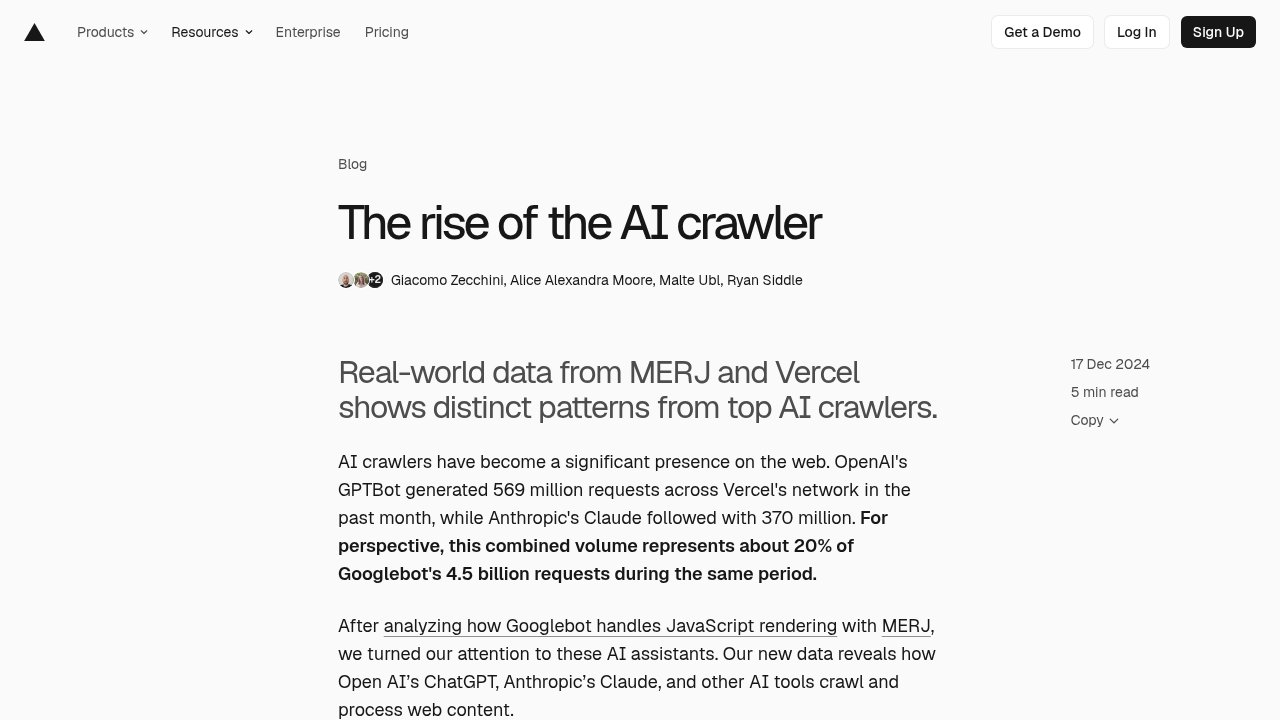
That does not mean GPTBot and ClaudeBot ignore JavaScript files entirely. GPTBot downloads a JavaScript file in 11.5% of its requests, and ClaudeBot does so in 23.84% of its requests, but Vercel and MERJ found no evidence that either crawler runs the code once it has it. Downloading a script and executing it are two different things, and only execution lets a crawler see content a page builds in the browser. On Vercel’s own network, in the month before the study was published, GPTBot generated 569 million requests and Claude’s crawler 370 million, a combined volume Vercel puts at roughly 20% of what Googlebot sent across that same network in the same period. Figures from one hosting network, not the whole web, but a useful sense of how often these crawlers actually show up.
Does this touch a classic WordPress site at all?
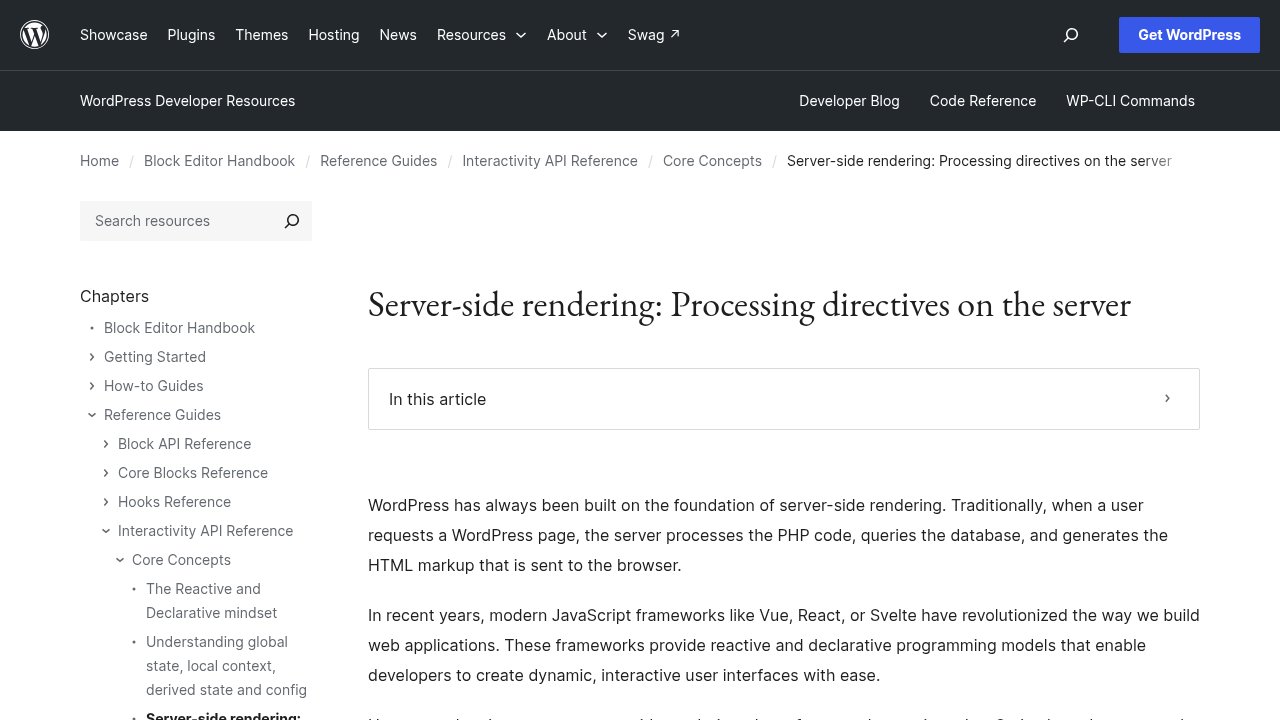
Here is the part most coverage of this study skips, and the one that actually matters if you run an ordinary WordPress site. WordPress generates its HTML on the server by default, which is exactly what an AI crawler needs to read a page without running any JavaScript. WordPress’s own developer documentation describes the block editor the same way: the server processes the PHP, queries the database, and sends finished HTML to the browser, the same approach WordPress has used since long before React or Vue existed.
The Interactivity API, made public in WordPress 6.5, does not change that. It adds small data attributes to HTML that is already rendered server-side, so a visitor’s clicks and interactions can update the page without a full reload. WordPress’s own documentation is explicit that the server-rendered HTML and the client-hydrated version have to match exactly, the opposite of generating your main content in the browser. A crawler that cannot run a line of JavaScript still gets the full article or the full product page, because WordPress already wrote it into the HTML before the Interactivity API does anything at all.
Where does the problem actually start?
The risk Vercel and MERJ describe shows up once WordPress stops being the thing that renders the page. A headless setup, WordPress running only as a backend behind a separate JavaScript front end, hands the job of building HTML to code an AI crawler cannot execute. WordPress VIP sells exactly this setup: a WordPress backend paired with a React or Next.js front end that queries content over GraphQL instead of letting WordPress output the HTML itself. If that front end builds the actual article body in the browser rather than on a server or at build time, an AI crawler arriving at the page gets whatever HTML shell loads before JavaScript runs: a title, a navigation menu, maybe a loading spinner, not the content a human came to read.
The same risk shows up outside headless setups too. Any WordPress theme or page builder that injects the main content, the actual article text, a product description, a service page’s details, through client-side JavaScript after the initial page load creates the same blind spot, even on a site that is WordPress end to end. The test is not whether your site uses JavaScript at all (almost every site does, for menus, sliders, forms); it is whether the content you actually want read sits in the HTML the server sends, or gets added afterward by a script.
Does declaring your content in an llms.txt file fix this?
Plenty of WordPress discussion around AI visibility focuses on llms.txt, a file meant to point AI systems toward a site’s most useful content. That file answers a different question than this one. Declaring your content in an llms.txt entry tells a crawler where to look. It does nothing about whether the crawler can read what it finds once it gets there. A WordPress site that publishes a carefully written llms.txt pointing to pages a JavaScript front end renders client-side is still handing GPTBot or ClaudeBot an empty shell when it follows that link. Readability comes first. Declaration only matters once that is settled.
What should you actually check on your own WordPress site?
Most of this comes down to one habit: look at your pages the way a crawler does, not the way your browser does.
- View your page’s raw HTML source, not the rendered page in your browser. Right-click, view page source (not “inspect”), and check whether your article’s actual text is in there. On a classic WordPress theme or a block theme, it almost always is.
- Disable JavaScript entirely in your browser as a test, then reload the page. If the content you care about disappears, an AI crawler sees exactly what you are seeing now: nothing.
- If you run a headless or decoupled WordPress setup, ask whether your front end renders pages on the server or at build time (both keep content in the HTML) or purely in the browser (the pattern that creates the blind spot).
- If you use a theme or page builder you did not build yourself, check its documentation for how it loads your main content: server-rendered markup, or a client-side JavaScript app mounted into an empty div.
THE test that actually answers this question is the first one above: view your page’s raw source, and read what is really there.
None of this requires a plugin or a rebuild to check. If your WordPress site renders the normal way, Gutenberg blocks or a classic PHP theme, this is very likely a non-issue for you. If you are running headless, or a builder you are not fully sure about, it is worth five minutes before you worry about anything else on your AI-visibility checklist.

Our take
Most WordPress sites do not have the problem this study describes, because WordPress already renders your content the way an AI crawler needs it rendered. The sites that do have it are the ones that deliberately moved rendering into the browser: a headless front end, a JavaScript-heavy builder, a custom theme that injects its main content after load. If that describes your setup, check it with the raw view-source test above before you spend time on anything more elaborate. If you are curious how far WordPress’s own AI tooling goes on the acting side of this, once a crawler or an agent can actually read your site, our look at the three building blocks that make WordPress agentic is the natural next read. Reading comes first, though: an agent that cannot see your content cannot act on it either.
Photo: Luis Quintero / Pexels.