

We’ve already mapped the three building blocks that make WordPress itself agentic: a site can declare what it can do, talk outward to an AI provider, and let an agent pilot it through MCP. Elementor shipped version 4.3.0 on September 22, 2026, and for the first time, that same kind of agent can also build the site in the first place. Point a tool like Claude, Codex, or Cursor at a Figma file, and Elementor MCP turns it into real, editable page structure, not a screenshot to trace over by hand. Let’s look at what that actually changes.
Elementor just turned Figma-to-WordPress into an agent’s job
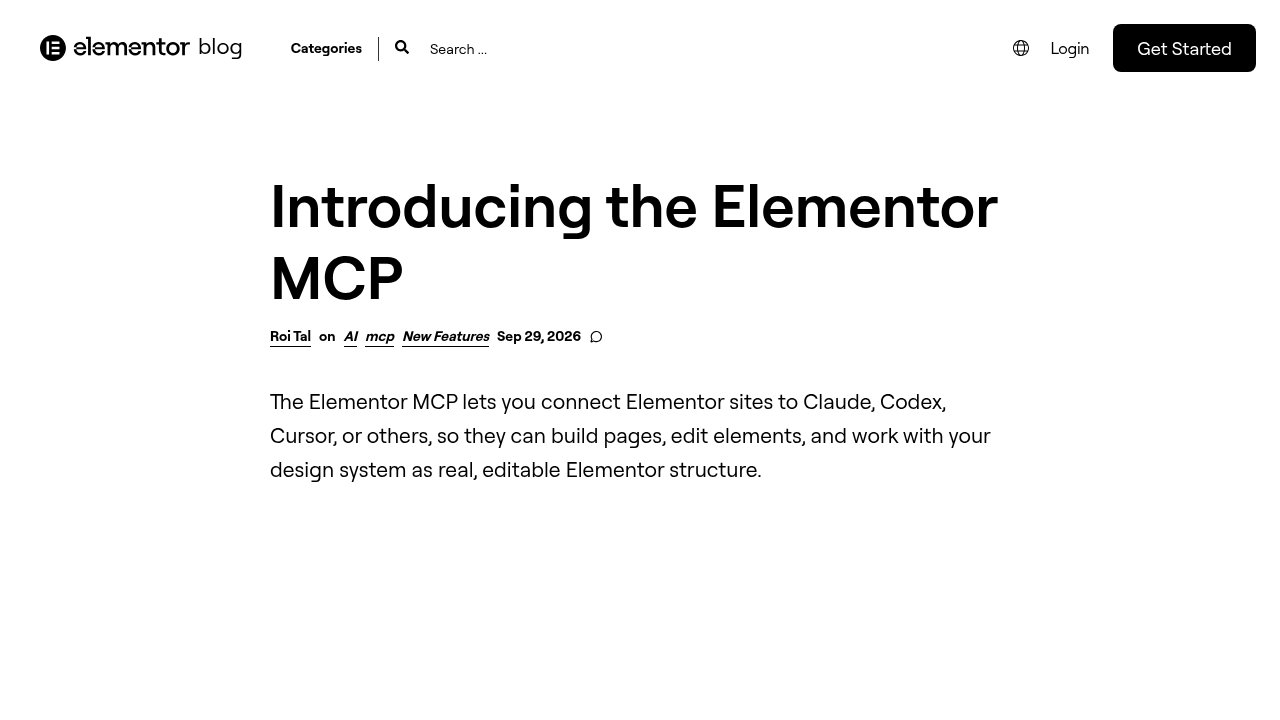
Elementor opened a public beta of Elementor MCP on September 15, 2026, then folded it into a stable release a week later. The official changelog lists version 4.3.0, shipped September 22, 2026, with Elementor MCP built in, and the write-up that followed on September 29 spells out what it connects to: Claude Code, Claude Desktop, Codex, Cursor, or, in Elementor’s own wording, any other MCP-compatible tool.
Once connected, that tool can build and edit atomic pages and layouts, work inside Elementor’s own design system of classes, variables, and responsive breakpoints, manage theme parts like headers, footers, and popups, and wire up dynamic content. Everything it generates is saved as a draft, never published directly, and stays fully editable in Elementor’s visual editor afterward. Figma gets one explicit mention in the announcement: a tool that already connects to Figma, Google Drive, Notion, or WhatsApp can now bring what it finds there straight into Elementor. Connecting the MCP server itself is free; some of what it can touch, Pro-only widgets among them, still needs an Elementor Pro plan.
The smaller tools that got here first

A Figma-to-WordPress pipeline already existed before Elementor MCP, just scattered across smaller, more specialized tools. UiChemy, listed on the official WordPress.org directory with more than 8,000 active installs, converts a Figma design into native Elementor widgets, Gutenberg blocks, or Bricks elements rather than static HTML, and layers its own MCP integration for Claude and Cursor on top. Its official pricing page lists a free tier with 1,000 credits a month, with paid plans starting at 8 dollars a month billed annually for 4,000 monthly credits.
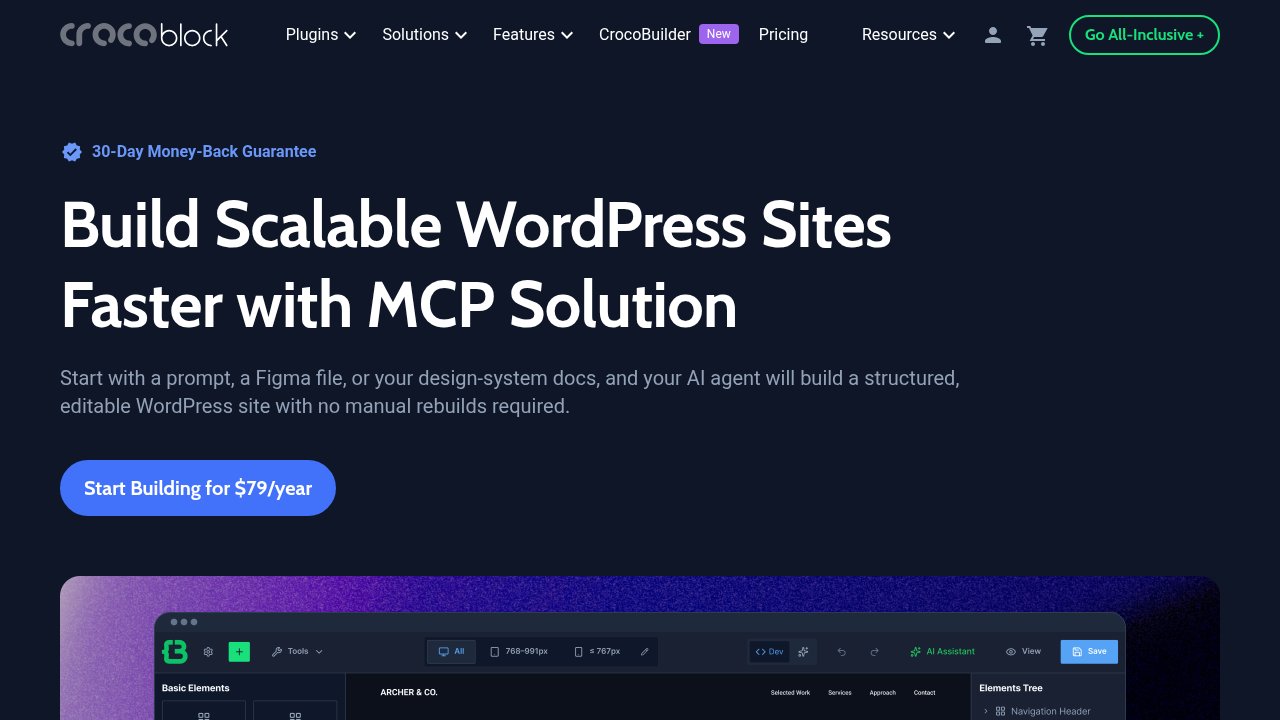
On the AI-native side, Crocoblock pairs two separate MCP servers rather than building one tool that does both jobs: Framelink, an open-source, third-party server built by an independent developer, not by Figma itself, which only reads a Figma file’s layout data, and CrocoBuilder MCP, Crocoblock’s own AI-native page builder, which does the actual building. Crocoblock’s own walkthrough of the combined flow claims a working page in under 15 minutes, worth reading as the vendor’s own benchmark rather than an independent test, since Crocoblock sells the builder it’s demonstrating. CrocoBuilder’s base plan runs 79 dollars a year for one site. A third, smaller tool, Softlite’s FigWebX, converts Figma files into Elementor, Gutenberg, Bricks, Breakdance, or Webflow layouts through a manual element-tagging system rather than automatic AI detection, and claims up to 70 to 90 percent layout fidelity without needing Figma’s Auto Layout set up first; we found no independent benchmark confirming that figure.
How this fits WordPress’s own AI push
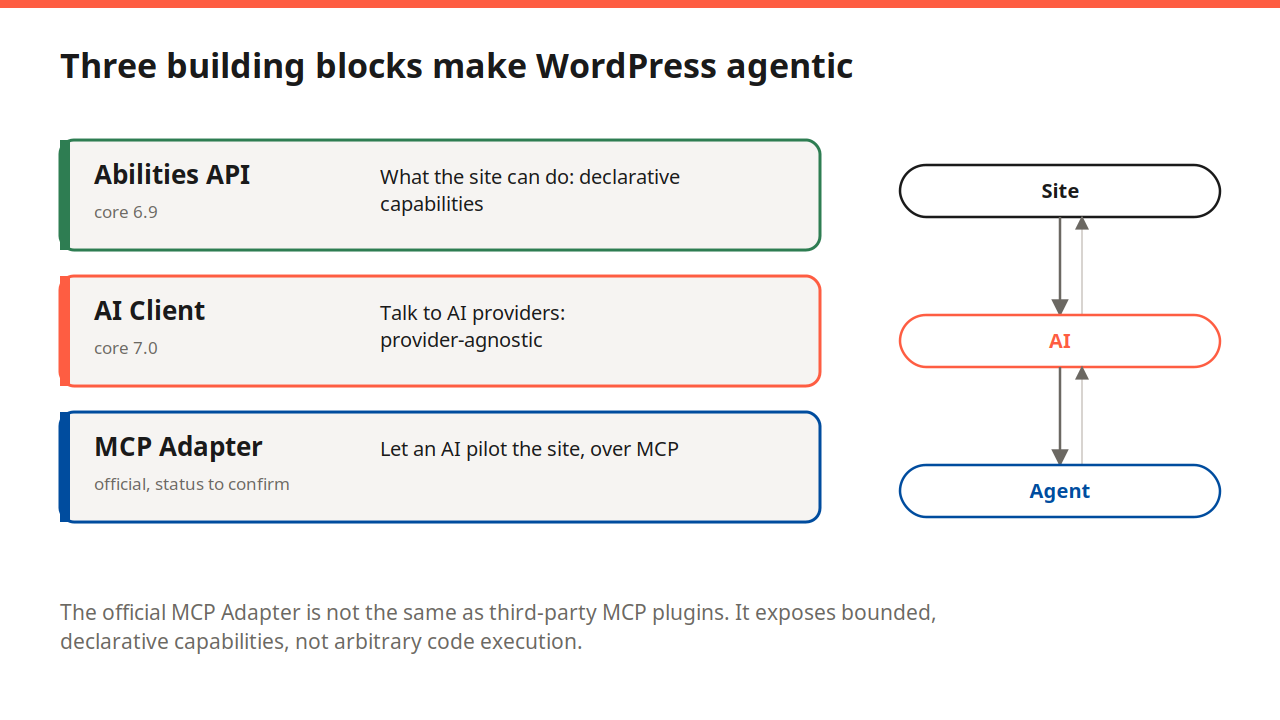
WordPress core already gave a site the Abilities API to declare what it can do, and the AI Client to talk outward to an AI provider, with the MCP Adapter letting an agent call those abilities directly. Elementor MCP, UiChemy’s MCP integration, and CrocoBuilder MCP are not part of that core trio; they’re vendor-built MCP servers bolted onto specific builders. But they follow the same underlying logic, declared capabilities an external AI agent can call, aimed one step earlier in the process: building the site from a design, rather than operating a site that already exists.
What an agent can, and can’t, do with your Figma file
The common thread across all three tools is real, editable output: Elementor’s atomic structure, Gutenberg blocks, Bricks elements, or CrocoBuilder’s own page format, never a flattened image or a wall of generated markup you then have to rebuild by hand. None of them publish anything without a human opening the draft first. What they don’t yet do reliably is handle everything in one pass: Crocoblock’s own walkthrough still describes uploading real images by hand after the AI pass drops in placeholders, and none of the three vendors claims pixel-perfect fidelity straight out of a Figma file.
Scale is part of why this matters beyond WordPress’s own ecosystem. Figma’s 2025 filing with the SEC ahead of its IPO states more than 13 million monthly active users and adoption by 95 percent of Fortune 500 companies, figures Figma itself disclosed rather than ones we audited independently. A page builder as widely deployed as Elementor adding a standard way for an agent to read that file isn’t a niche feature; it’s the dominant WordPress builder meeting the design tool most of its users, or their colleagues, likely already have open.
Our take
Treat Elementor MCP, UiChemy, and CrocoBuilder’s MCP integration the same way you’d treat any brand-new plugin feature: useful, genuinely time-saving for a first-pass layout, and not yet something to point at a live production site without checking the result by hand. If you’re prototyping a client site fast and already pay for an AI coding tool, try the builder you already use on a staging copy first, not your live install. If you need something more mature to evaluate today, UiChemy’s track record on the official WordPress.org directory is easier to check before you install anything than a feature that shipped three weeks ago.
Either way, none of this replaces the judgment a designer or developer brings to a handoff, it just moves the tedious first draft onto an agent’s plate. If you haven’t set up an AI agent against your own WordPress site yet, our step-by-step MCP Adapter guide covers the core-level version of the same idea. Enjoy testing it on staging first!