

We already mapped the three building blocks that make WordPress agentic: the Abilities API, the AI Client, and the MCP Adapter. Weglot, the translation plugin with more than 50,000 active installs on WordPress.org, just gave those building blocks their clearest use case yet from outside WordPress core. On September 29, 2026, Weglot began rolling out what it calls Weglot 2.0 to new users of its WordPress plugin: a rebuilt AI translation model, a redesigned dashboard, and a Weglot MCP server that lets an AI assistant handle translations directly. Let’s walk through what that actually changes, together.
What Weglot 2.0 actually rebuilds, and why it leads with MCP
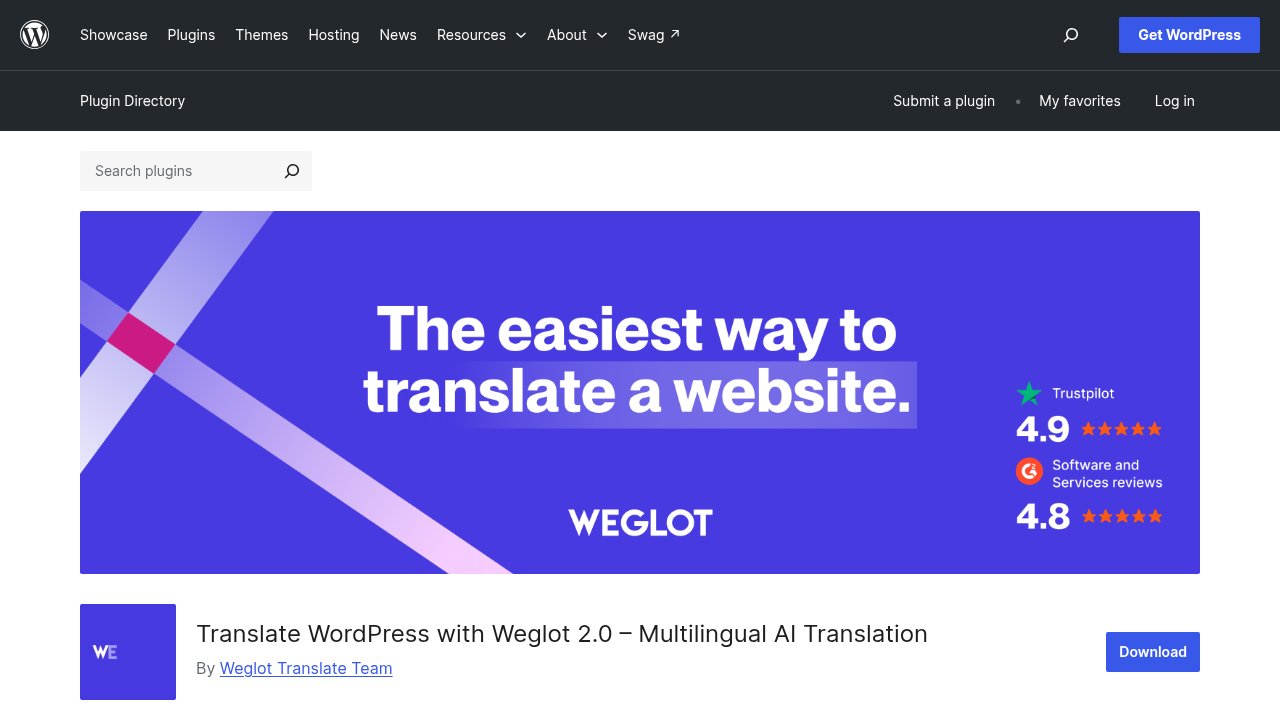
Weglot has been around since 2016, and its WordPress.org plugin page now opens under the name “Translate WordPress with Weglot 2.0”, with a 4.9 rating on Trustpilot and 4.8 on G2. Weglot 2.0 is the name of a product generation, not a plugin version number: the WordPress plugin itself keeps its own release numbering and sat at version 6.4.2 when this rollout began. That distinction matters, because nothing in your WordPress updates screen will ever show “2.0” next to Weglot.
The rebuild itself traces back to an internal experiment: Weglot co-founder Rémy Berda built a stripped-down AI-first competitor to Weglot on his own, and the experiment convinced the company the real product needed the same foundation. That foundation is what ships first on WordPress, Weglot’s largest platform by install count, before reaching the rest of the 110,000+ websites the company says it serves across Shopify, Wix, BigCommerce, Webflow, Squarespace, Drupal, and custom code. Weglot is not, and has never been, a WordPress-exclusive product, and 2.0 does not change that.
How brand-voice AI translation differs from plugging in DeepL or Google Translate
Weglot’s base translation layer still runs on Google Translate, DeepL, and Microsoft, the same engines most translation plugins rely on. What 2.0 pushes to the front is the layer built on top of that: an AI Translation Model, built with OpenAI and Gemini, that gets shaped by a site’s own brand guidelines before it ever runs a translation.
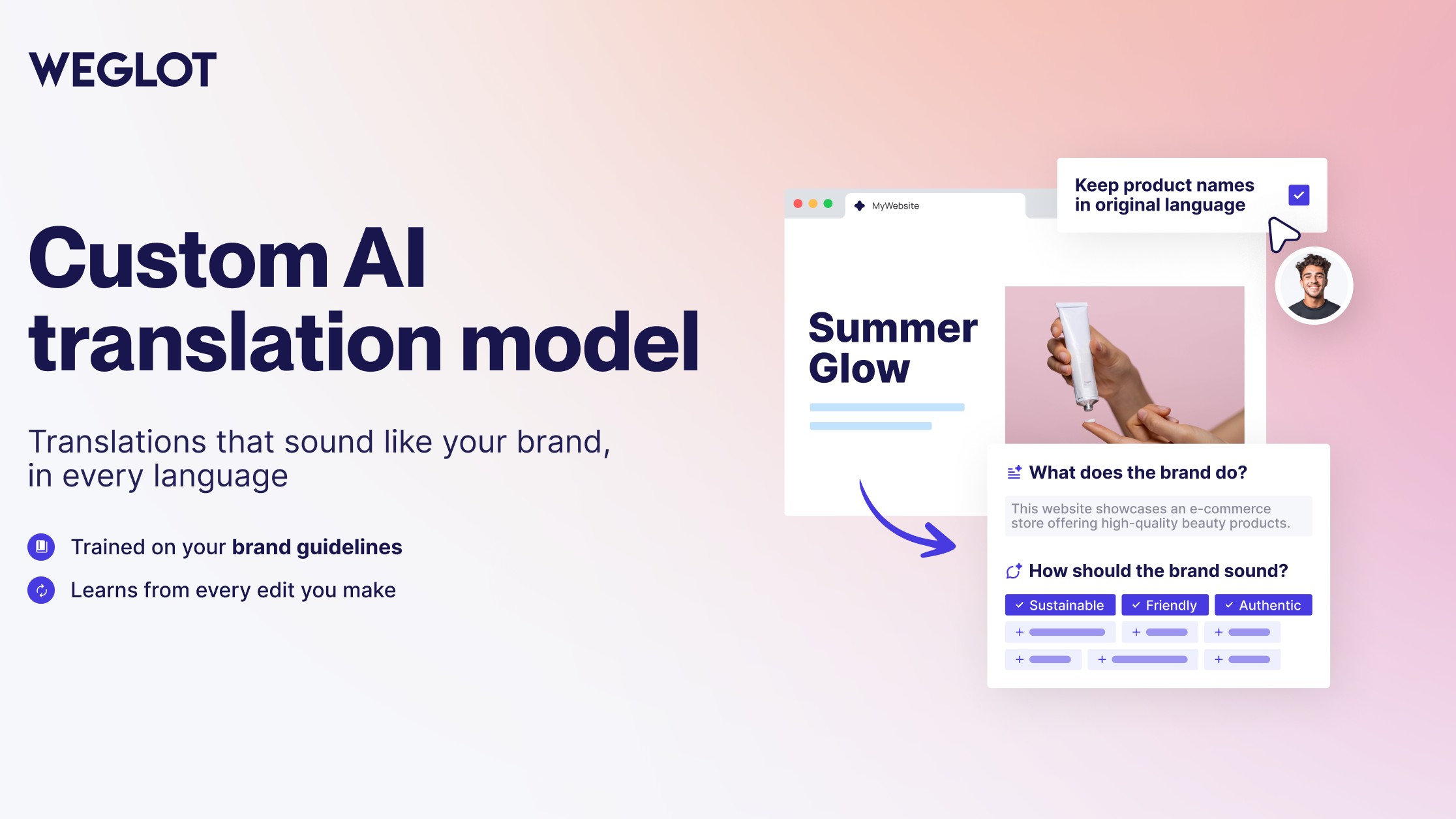
That model learns from a customer’s glossary, its manual translation history, and custom tone instructions such as “use a professional tone,” and it starts applying all three from the very first translation, without any training upload. It lives in Dashboard > Settings > Language model, open to every Weglot user rather than gated behind a specific plan, and it can refine up to 10,000 existing translations in one batch once the brand settings are in place. Compared to a generic engine translating each string in isolation, the practical difference shows up on product names, headlines, and the kind of brand phrasing that a literal translation usually flattens.
Why a translation plugin speaking MCP matters for WordPress’s AI roadmap
Weglot MCP is Weglot’s own description of connecting the plugin to an AI assistant, Claude or ChatGPT, according to independent coverage of the launch, since Weglot’s own materials do not name a specific assistant, so that assistant can find a translation project, review a translation, or update content using natural language. Weglot MCP is not a secondary toggle buried in settings: it is THE piece that lets an assistant read a translation, approve it, and move to the next one without a single dashboard click.
We have already covered what the AI Client changes inside WordPress core, and walked through connecting an agent to a site’s own Abilities through the official MCP Adapter. Weglot doing the same thing as a packaged, no-code feature, on the plugin with the largest WordPress install base in this translation category, is a sign that MCP is moving from “something core contributors are building” to “something a commercial plugin ships to ordinary site owners.” That is the gap between the two approaches: the MCP Adapter hands developers the pieces to wire up themselves, and Weglot hands non-developers a server that is already wired.
Image translation, SEO foundations, and the AI-visibility claim worth a second look
Two more pieces round out the 2.0 bundle. Image Translation lets you localize the text baked into an image directly from the Visual Editor, in one click, while keeping the original design, and you can either generate the translated image with AI or import your own version. Alongside it, Weglot’s multilingual SEO and GEO foundations cover automatic hreflang tags, language-specific URLs, translated metadata, and the ability to publish or unpublish a page per language.
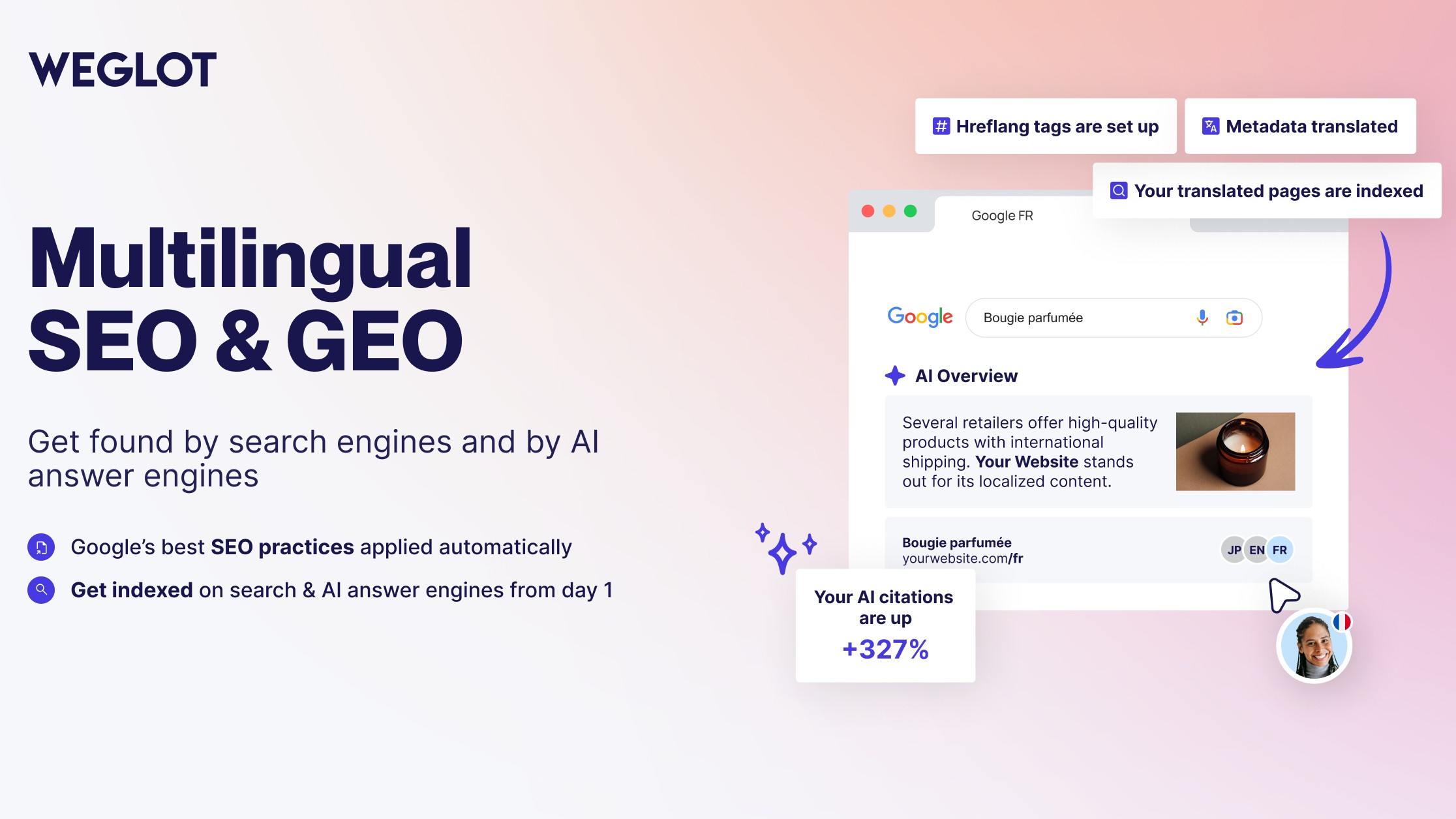
The 327 percent figure comes from a Weglot study of 1.3 million AI Overviews citations, and it was measured specifically on Spanish-language sites in Spain and Mexico, not as a universal result confirmed across every market. Weglot’s own write-up of that study found translated sites cited up to 327 percent more often than untranslated ones for queries in a language the site did not originally offer, and still picked up around 16 percent more citations per query in their original language, Spanish, alone (24 percent once English and Spanish citations are combined). Treat it as Weglot’s own research on one language pair, not as a guaranteed outcome for whichever languages your own site adds.
Who can use Weglot 2.0 today, and who is still waiting
Weglot 2.0 is the default for anyone installing the WordPress plugin fresh today. Existing WordPress users are not switched over automatically: Weglot describes the move as a progressive migration handled through support rather than a self-serve toggle, with its existing install base not expected to be fully migrated before 2027. If you already run Weglot and your dashboard still looks like the version you installed last year, that is expected, not a sign anything is broken.

The same staggered rollout applies beyond WordPress. Weglot’s other platforms, Shopify, Webflow, Wix, BigCommerce, Squarespace, and Drupal, are scheduled to receive the 2.0 rebuild by the fourth quarter of 2026, and a new pricing structure is expected only once that broader migration wraps up, with no change announced yet for current subscribers. None of this is final until Weglot confirms it on its own changelog, so treat the Q4 2026 and 2027 dates as the current plan rather than a locked commitment.
Our take
The headline risk here is not the AI itself, Weglot’s AI Translation Model already existed in the dashboard well before this relaunch. What 2.0 actually does is bundle that model with a rebuilt review workflow and a Weglot MCP server into one coherent generation, and ship it on WordPress first, which lines up with what we have already seen happening inside WordPress core itself.
If you already run Weglot, do not expect a one-click switch: check with Weglot support about your own migration timing before assuming you have 2.0, and if you do get access, test the new Visual Editor and a batch AI refinement on a staging copy before trusting it against live brand copy. Review your brand glossary and tone instructions first, since the model follows those literally. If your interest is less in Weglot specifically and more in wiring your own WordPress site to an AI agent, our step-by-step guide to the official MCP Adapter covers the do-it-yourself path.
Photos: Nejc Soklič/Pexels, Tim Diercks/Pexels. Screenshots: WordPress.org and Weglot official.