

On September 15, 2026, Cloudflare flipped a default switch for every new website joining its network. Pages that carry advertising now block AI crawlers in the Training and Agent categories automatically. Search crawlers stay allowed by default. We already showed you how to connect an AI agent to your own WordPress site over MCP. What changed on September 15 runs in the opposite direction: agents and training crawlers you never invited, showing up on your site by themselves. A week later, on September 22, 2026, Kinsta published its own answer to a question a lot of WordPress site owners are now asking, what AI bot traffic actually looks like on a real site, and whether most people are reacting to it the right way. Cloudflare’s announcement and Kinsta’s data land a week apart for a reason. Let’s walk through what each one actually says, and the mistake most site owners make once they start reading their own logs.
What actually changed on September 15?
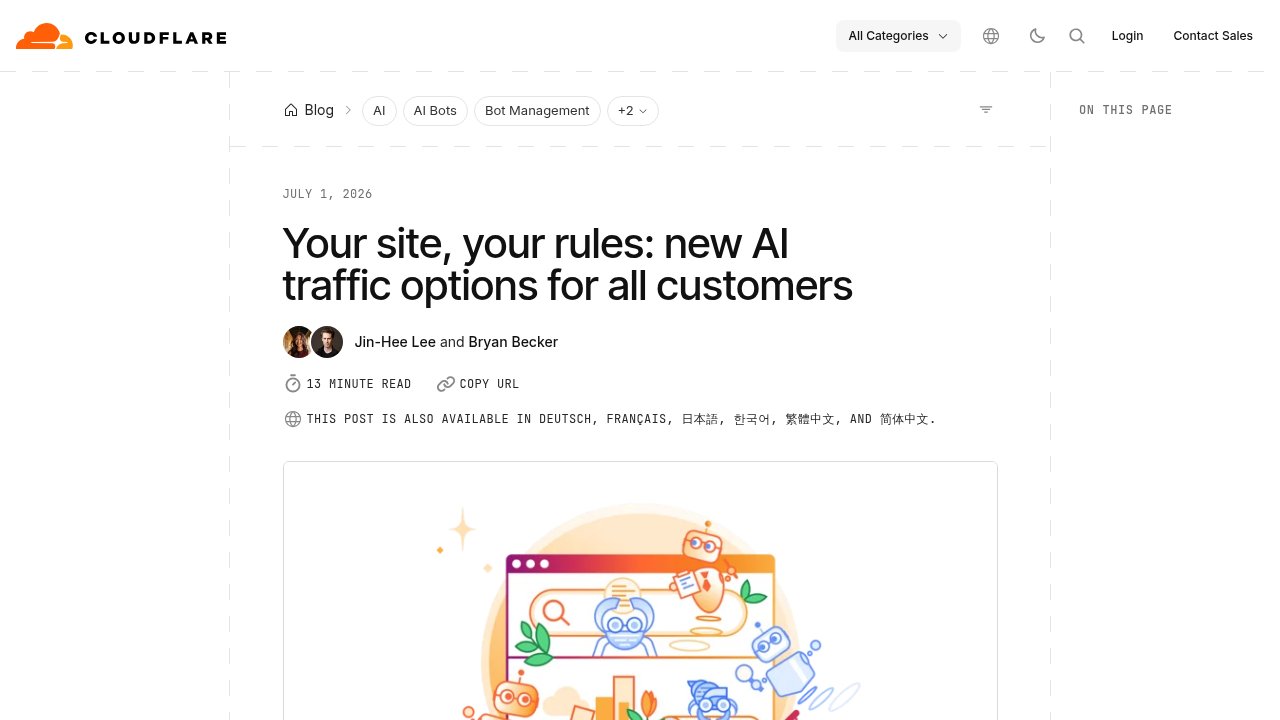
Cloudflare groups AI bots into three categories. Training crawlers gather data to build AI models, Agent crawlers act on a request from a person or another system, and Search crawlers index pages the way Googlebot always has. Starting September 15, 2026, new domains onboarding to Cloudflare, new sites added by existing customers, and free accounts that have not been reconfigured all block Training and Agent bots by default. That block only applies on pages that display ads. Search bots keep crawling those same pages without any change, and existing paying customers are not affected retroactively unless they opt in themselves.
Cloudflare’s own framing explains the ad-only scope: an ad is a signal that a website owner meant for a person to land there and see it, something the business can actually monetize. Multi-purpose crawlers that mix Search with Training, Googlebot and Bing among them, still get blocked for their Training activity on those pages if a site owner has chosen to block Training, even though the same crawler keeps indexing normally for Search.
What does Kinsta’s WordPress data actually show?
Kinsta’s answer arrived a week later, built on Kinsta’s own data: an analysis of more than 5,000 WordPress sites, alongside a broader study of over 10 billion requests across its own infrastructure. Kinsta reports that AI bots accounted for just 1.57% of bandwidth at the median site, compared with 17.8% at the 90th percentile and 90.3% at the 99th. That gap is the whole point of Kinsta’s first finding. A global bandwidth percentage tells you almost nothing about whether your own site has a problem, because the sites getting hit hardest look nothing like the median one.
Kinsta’s data gets more specific once you look at where those requests actually land. The company reports that between 76.9% and 90.5% of AI crawler requests targeted dynamic, uncached content, against 18.3% to 18.9% for human traffic on the same sites. On a WooCommerce store, Kinsta says one crawler generated 3.75 million requests to add-to-cart URLs in 24 hours, pages that cannot be served from a static cache and that hit the database on every load. These are Kinsta’s own figures, drawn from its own infrastructure, not independently reproduced numbers.
Why does treating every AI bot the same backfire?
Kinsta’s own list of mistakes puts this one first for a reason: treating every AI crawler as the same threat. OpenAI runs two separate crawlers for two different jobs. GPTBot gathers content that may end up training a model, while OAI-SearchBot indexes pages so they can surface inside ChatGPT search. A rule that blocks “AI bots” as one bucket blocks both at once, the crawler that will probably never send you a reader and the crawler that might. Cloudflare built the same distinction into its own defaults for a reason: Training and Agent bots block by default on ad pages, Search bots do not.
Kinsta’s own consumer research, not an outside study, found that 44.7% of people it surveyed say they usually visit a company’s website after getting an AI recommendation. Treat that number as Kinsta’s alone, since it has not been confirmed independently, but the direction it points in matters: Search is where referral traffic like that actually comes from. A sudden spike in crawler requests is not automatically a security incident either. Kinsta’s own review of these spikes found that real attacks, brute-force login attempts and credential stuffing among them, look different in the logs from a wave of GET requests to public pages.
Does robots.txt actually stop anything?
robots.txt is a request, not a lock. Kinsta puts it plainly: the file relies on a crawler choosing to honor the instruction, not on anything that physically stops the request from reaching your server. Actual enforcement happens at your server, or at the edge network in front of it, wherever a rule can check a request and refuse to serve it. That is the layer where Cloudflare’s new defaults operate. It is also the layer where Kinsta, on its own infrastructure, built the rule that filtered 550 million requests in 30 days.

Kinsta’s own advice matches this: check your logs or bot analytics again after you change robots.txt. If a crawler’s requests drop, the change worked. If they do not, you need an actual enforcement control, not another line in a text file. wp-premiums already covered a caching problem worth remembering here: the LiteSpeed Cache setting Complianz users needed to check is the same category of issue, a rule interacting with your cache in a way the dashboard never shows you directly. Whatever control you add for AI bots, check your logs again a day later before you assume it worked.
What should you actually check on your own site?
THE fix here is not a longer robots.txt file. It is looking at your own numbers before you write any new rule.
- Check your own logs before reacting to a global percentage. Kinsta’s median-to-99th-percentile gap means an industry-wide statistic can describe a site nothing like yours.
- Look at which URLs the bots are hitting, not just how many requests they send. Dynamic, uncached endpoints, cart pages and search results included, cost real server load per Kinsta’s data. A static blog post barely does.
- Separate Training, Agent, and Search before you block anything, the same three categories Cloudflare now lets every customer configure individually.
- Check whether your host or CDN already flipped a default without telling you. Cloudflare only changed the default for new domains and unconfigured free accounts, but that covers more sites than people expect.
- Re-check your logs a day after you write any new rule. robots.txt only asks. Your logs tell you whether anything actually listened.
Our take
Most WordPress sites do not have an AI bot problem in the way their owners imagine it. Cloudflare’s new defaults and Kinsta’s data point at the same distinction. What matters is not the global share of traffic AI bots represent. What matters is whether they are hammering the handful of dynamic URLs your server actually has to compute, cart pages most of all. If you run WooCommerce, check your cart and checkout endpoints in your logs before you touch robots.txt at all. If your site sits on Cloudflare, check whether your account already carries the new September 15 defaults, or whether you are still running the old all-or-nothing “block AI bots” toggle. And before you connect anything to an AI agent yourself, our step-by-step guide to WordPress and MCP is worth reading first, so you know exactly what an agent visiting your own site is allowed to do.
Photos: Brett Sayles / Pexels.