

WordPress 7.2 is still in beta: Beta 5 shipped on November 10, 2026, and the final release is due on December 8, 2026. One of its headline changes isn’t a new block or a new API. It’s the new default theme, called Ipsum, and the habit it breaks after 16 years. We already walked you through what shipped in WordPress 7.1, so let’s look at Ipsum together.
What changes when a theme stops being named after a year
Since Twenty Ten, every default WordPress theme has carried the year it shipped in, all the way through Twenty Twenty-Five. Ipsum ends that run. Henrique Iamarino, the theme’s design lead, confirmed it directly on Make WordPress Core: the move away from year-based naming follows direction from WordPress co-founder Matt Mullenweg. Going forward, default themes get their own names and change when the design calls for it, not when the calendar does.
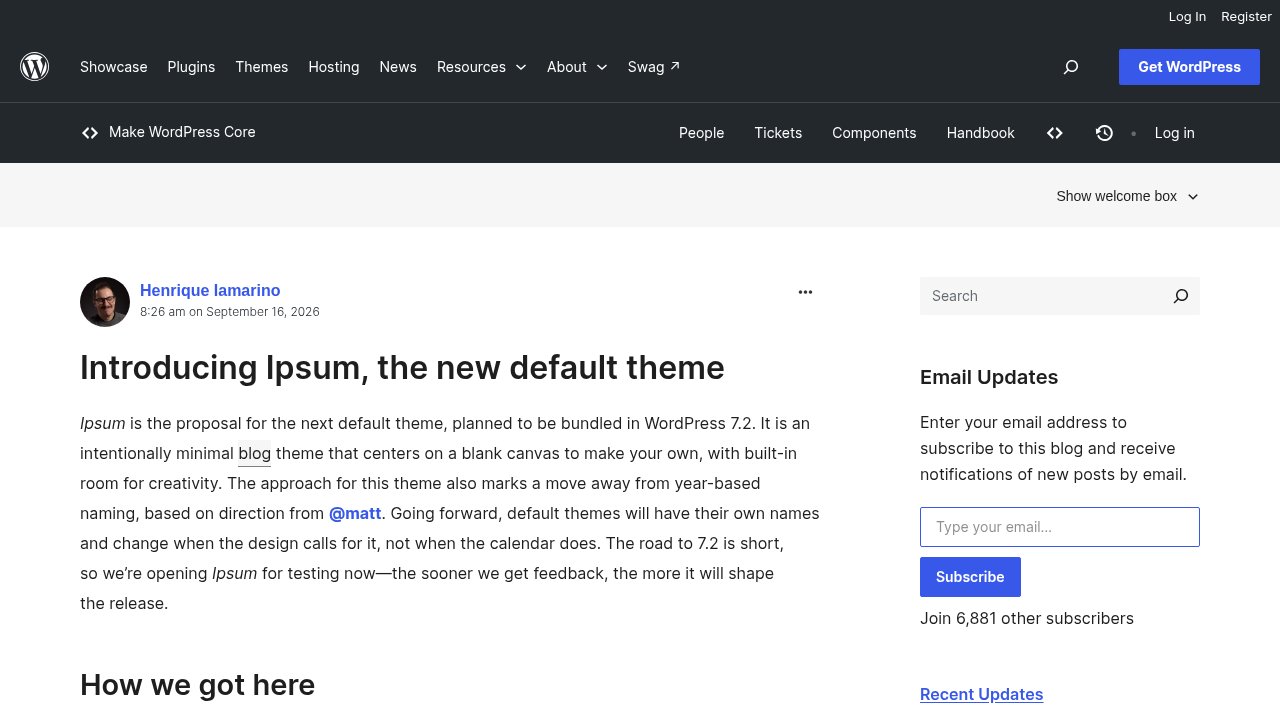
That is a deliberate break, not a one-off renaming. Ipsum itself borrows its name from a different, more familiar habit: the lorem ipsum placeholder text designers drop into a layout before real content arrives. Ipsum is simply THE first default WordPress theme since 2010 that isn’t named after the calendar. It makes the point in its own tagline, visible right on its demo homepage: “until real words arrive.”
What you can actually do with Ipsum as a block theme
Ipsum is a full block theme, built the way WordPress 7.0 and 7.1 already prepared you for: everything lives in the Site Editor, nothing requires touching a template file. Let’s see what that actually gives you to work with. In its current beta, it ships with 11 ready-made templates and, per Make WordPress Core, 8 color palette variations, picked independently of whichever type set you keep, from Appearance > Editor > Styles without writing a line of CSS.
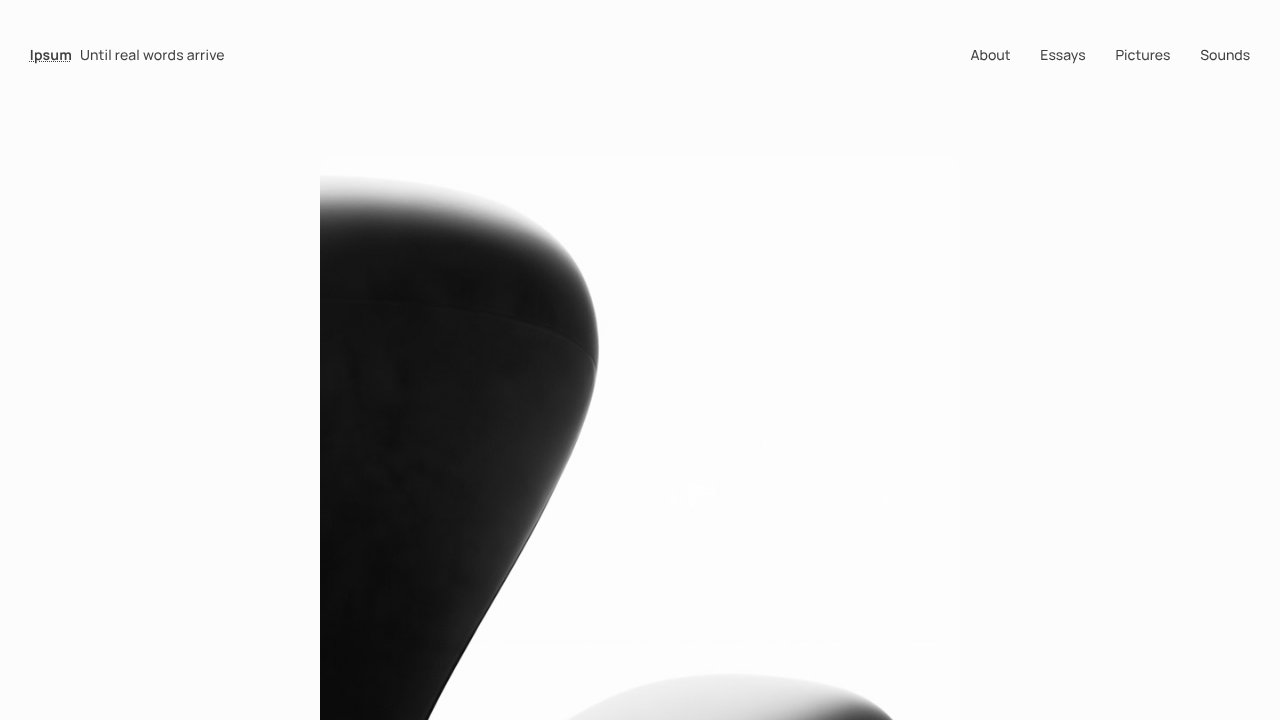
Some of those variations go further than a palette swap. One, named Golden Hour, restyles the whole site at once, duotone filter on every image included, so a single click changes the mood of your existing photos rather than just your headings. The whole page agrees with itself once you switch a style variation, instead of leaving old colors stranded behind a new accent.
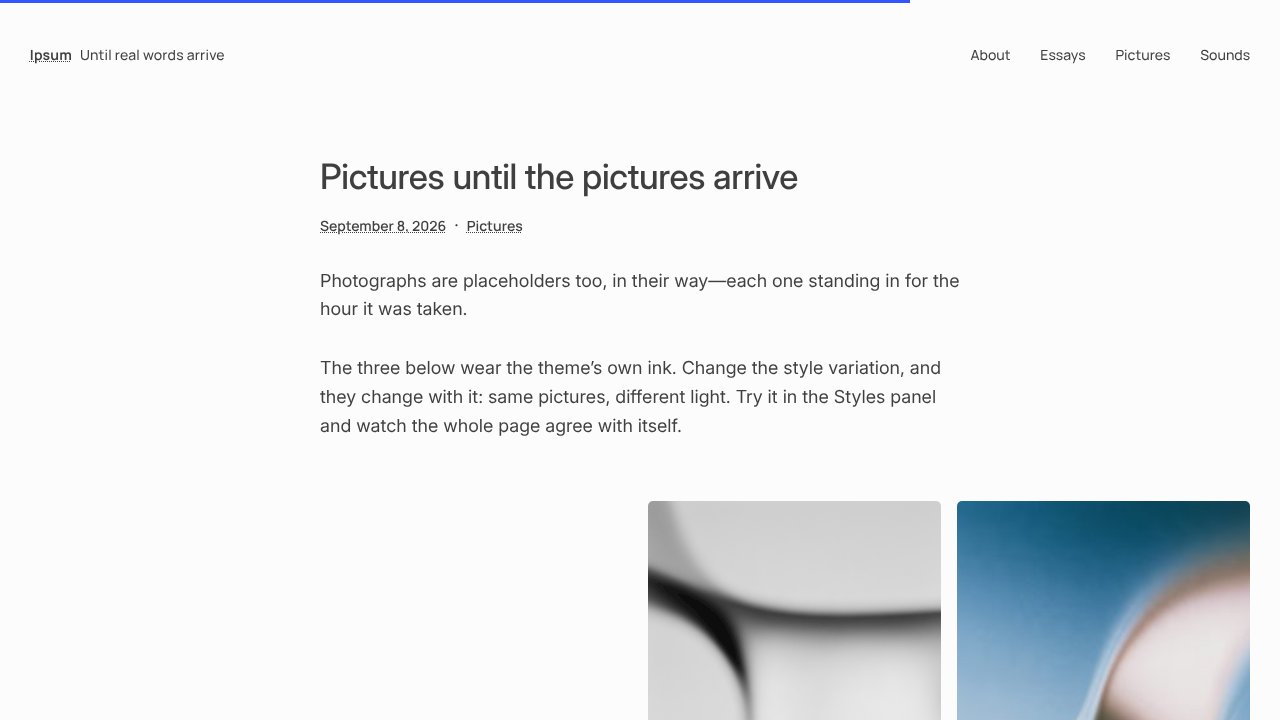
Typography works the same way: 6 type sets, each pairing a heading and body font, all hosted locally rather than pulled from Google’s servers. That continues the shift we covered in our piece on Google fonts in default themes going local, and it comes with a real cost to weigh: Inter, one of the fonts in the lineup, adds 341 KiB to every page on its own, and another 376 KiB if any text renders in italics. Swapping a type set isn’t free, performance-wise, and it’s worth checking before you pick a heavier one for a content-heavy blog.
When can you actually try Ipsum?
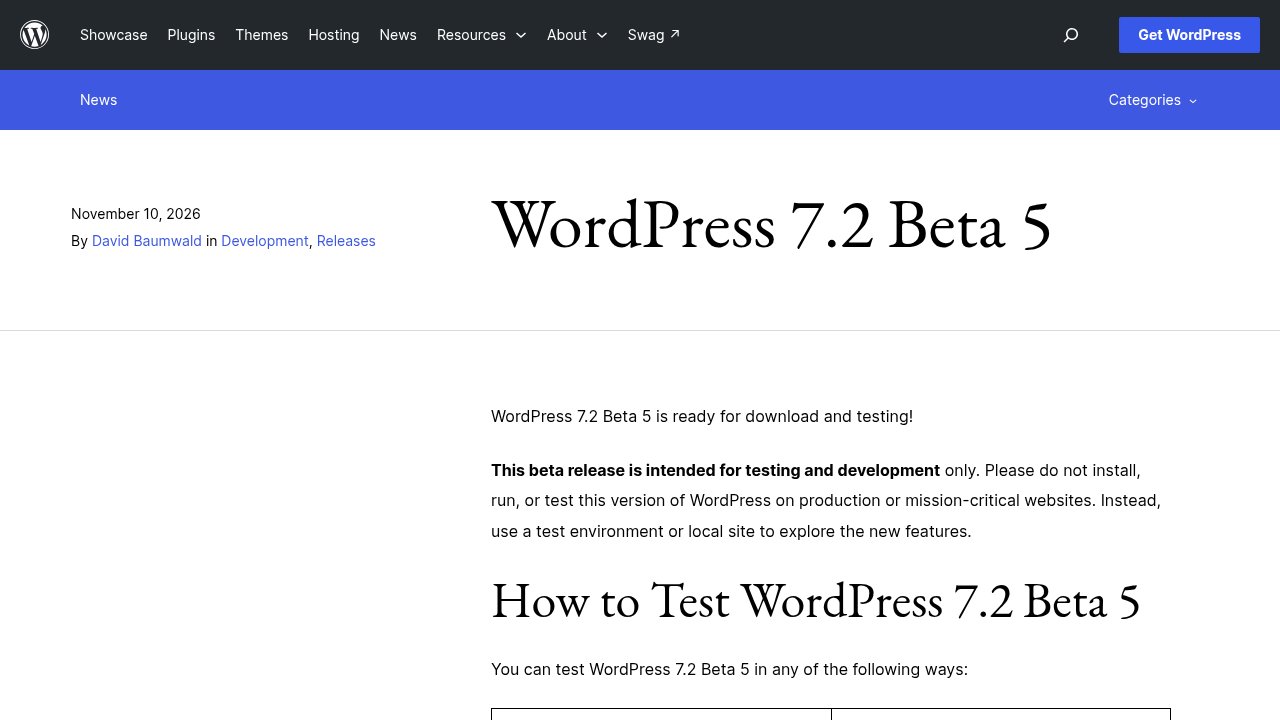
Not on a live site, not yet. The WordPress 7.2 Beta 5 announcement is explicit that beta builds are for testing and development only, never for production or mission-critical sites. The final release stays scheduled for December 8, 2026, and Ipsum ships bundled with it, not as a separate download you install today.
You don’t have to wait for that to form an opinion, though. Ipsum’s source lives in the official WordPress/ipsum repository, which links a WordPress Playground blueprint: a throwaway WordPress instance, in your browser, with Ipsum already active and demo content already imported. Nothing installs on your machine, and closing the tab throws it all away, which makes it the safest possible way to click through the style variations before the theme ever reaches your own site.

Our take
Beyond the naming story, which is the detail most feeds will lead with, Ipsum matters for a quieter reason: it’s one of the lightest default themes WordPress has shipped in years, a blank canvas you restyle in the Site Editor rather than a demo layout you spend a weekend undoing. That is squarely aimed at bloggers who want a clean starting point, not at anyone hoping for a pre-built business site.
We’d treat it the way we treat any beta feature: worth opening in Playground today, not worth switching your live homepage to before December 8. Once WordPress 7.2 ships, test the update on a staging copy first, confirm your active theme and key plugins have actually flagged 7.2 compatibility, and only then move Ipsum, or whichever theme you choose, onto production. If you want the fuller picture of what else lands in this release beyond the theme, start with our explainer on WordPress Core, which covers how a change like this one makes its way into the software you run every day. Enjoy exploring Ipsum!
Photo: Kaboompics/Pexels. Screenshots: Make WordPress Core, WordPress.org News, and the official Ipsum demo (ipsum.mystagingwebsite.com), a WordPress.org project.