

WordPress 7.1, code-named “Mary Lou” after the jazz pianist and composer Mary Lou Williams, became available on August 19, 2026. The official release announcement counts more than 800 contributors, over 170 of them shipping their first-ever contribution to WordPress, and more than 1,500 fixes and enhancements in total — on top of the Field Guide’s own tally of more than 310 Core Trac tickets, over 100 enhancements, and 180-plus bug fixes, alongside almost 600 enhancements and more than 630 bug fixes merged in from Gutenberg. Most of the coverage that reached us this week stopped at two small block settings tucked away in the editor. The release itself goes considerably further: a completed editor architecture change, two new blocks, a growing developer API, and features that were promised but still haven’t shipped. Let’s go through it together.
What actually changes in the block editor?
The most structural change here builds on what WordPress 7.0 introduced back in May. WordPress has been migrating the post editor to an iframe-based architecture over the past couple of releases, and 7.1 finishes that migration: every post now loads inside the iframed editor, including sites that still register legacy meta boxes, a group the earlier rollout had left behind. According to the official WordPress 7.1 Field Guide, the cycle behind this release touched 1,480 files, with 88,163 lines added and 18,601 removed between 7.0.2 and the 7.1 beta 4. That is not the footprint of a cosmetic update.
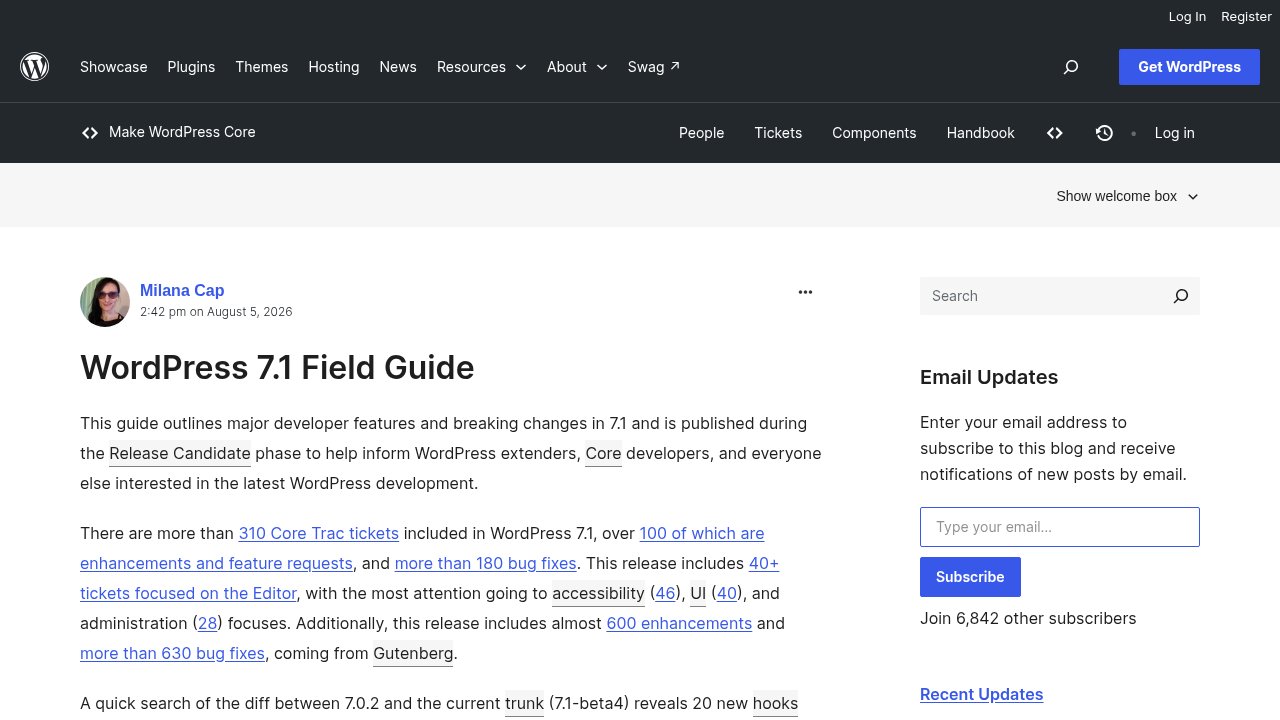
For your day-to-day editing, this won’t look like anything new. That is largely the point: the iframe migration isn’t a feature you click on, it’s the plumbing that makes custom blocks and legacy meta boxes behave consistently with each other. If you maintain custom blocks, this is the change worth testing first.
Two small block controls that solve a real layout headache
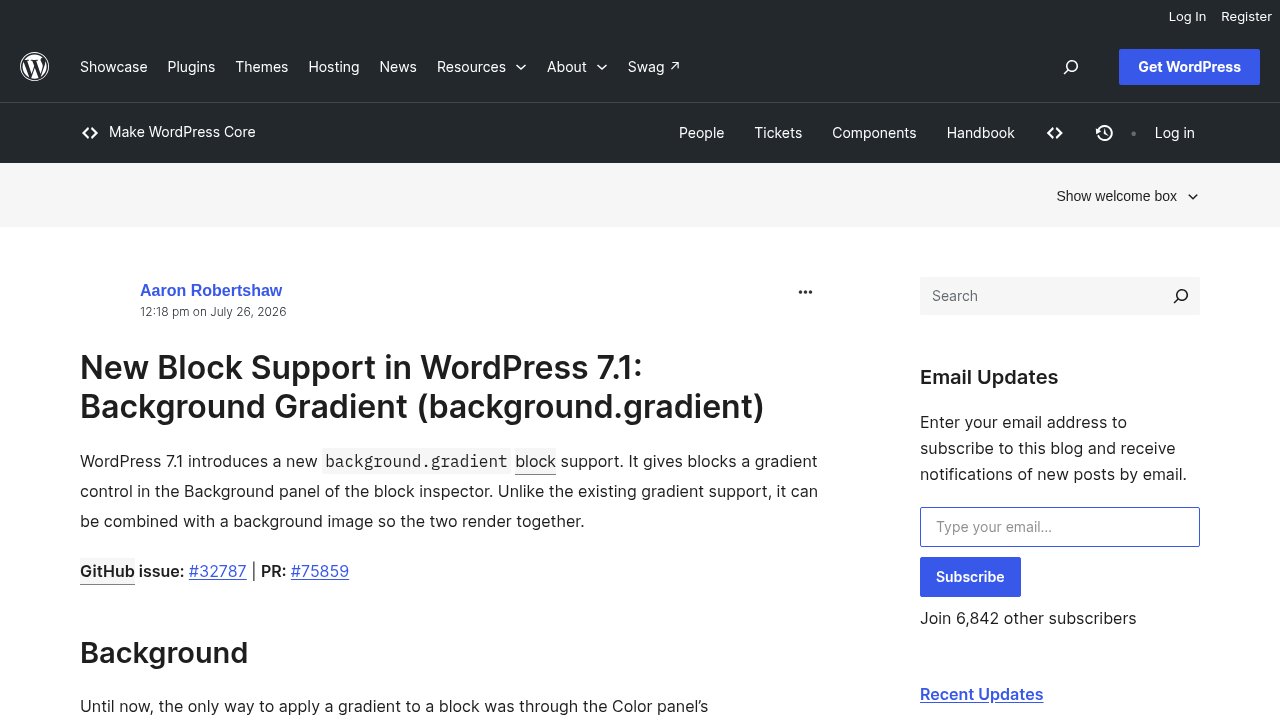
The two settings that did make it into most digests are real, just under-explained. The first is background gradient support (background.gradient), which finally lets a block’s Background panel combine a gradient with a background image at the same time. Until now those two options were mutually exclusive, which meant choosing between a photo and a color treatment rather than layering both.
The second is minimum width support (minWidth) for blocks, which follows the same pattern as the existing minimum height control. In practice, it keeps a block from shrinking past a usable size on smaller viewports, without you having to reach for custom CSS to hold the line.
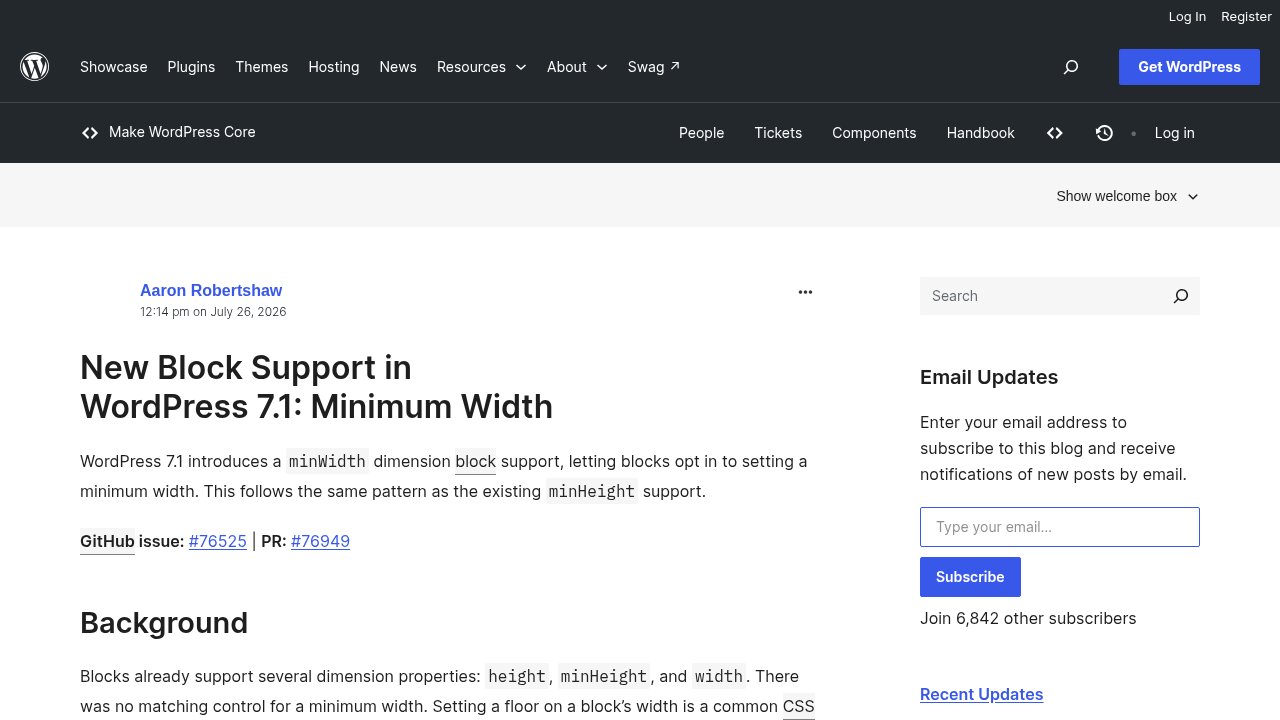
Neither setting rebuilds how you design a page. Both remove a small, recurring annoyance that most theme builders had been patching around with custom CSS, which is exactly the kind of unglamorous fix that saves real time once you notice it is there.
Two new blocks: Playlist and Tabs
WordPress 7.1 also ships two entirely new blocks. The Playlist block plays multiple audio tracks in sequence from a single block, with a waveform visualization for each track, instead of stitching together separate Audio blocks by hand. The Tabs block organizes content into switchable tabbed panels natively, a layout pattern that previously required a third-party plugin. Neither is groundbreaking on its own, but both close gaps that page builders have been patching for years.
Media uploads and accessibility: less friction, day to day
On the media side, image processing now happens client-side before an upload starts, the Media Library scrolls infinitely by default instead of paginating, and the REST API validates image dimensions with size-aware encoding quality. None of that is a feature you’ll consciously toggle; you’ll just notice uploads feel a little less clunky, especially on a library with a few thousand items.
Accessibility absorbed real attention this cycle too: a shared mechanism now standardizes accessible names and tooltips across the admin, table hierarchy in admin screens is clearer for screen readers, and there are further contrast and keyboard-navigation refinements. According to the Field Guide, accessibility work accounted for 46 tickets this cycle, the largest of the three most-active focus areas named in the Field Guide, ahead of interface work (40) and admin screens (28). That is an unusually large share of a release’s effort going to something most users will only feel, never see as a headline.
Is real-time collaboration finally here?
Not yet. Real-time collaborative editing has been in active development for several release cycles, and it was already held back once before, when 7.0 shipped without it. The Field Guide is explicit that it received extensive testing and feedback again throughout the 7.1 cycle, but it is not enabled in this final release either. The editor’s planned migration to React 19 is also on hold for 7.1, though for an unrelated reason: after briefly enabling it in the Gutenberg plugin, incompatibilities surfaced between old and new React versions in how plugins use React, forcing a revert — the migration continues as an experiment in the plugin rather than landing in Core.
If you have been waiting to co-edit a post with a teammate the way you would in a shared document, that wait continues. The project’s own roadmap notes still describe open questions about which storage approach to use and how much of the feature to ship at once, which suggests this is a deliberate call rather than a slipped deadline.
What’s new for developers: the Abilities API keeps growing

WordPress 7.1 continues investing in the Abilities API, the piece of core infrastructure we already introduced when the AI Client landed in 7.0 (we won’t repeat that explainer here, just the continuity). This cycle adds improved filtering through wp_get_abilities(), execution lifecycle hooks so plugins can react as an ability runs, a unified public exposure flag, and early JSON Schema preparation aimed at client-side interoperability. Twenty new hooks ship in total, nineteen filters and one action.
Two smaller additions round out the developer side. A new SVG Icon API gives plugins and themes a standardized way to register and render custom icons, instead of everyone rolling their own inline SVG handling. And an early design-token foundation, built on shared styles, aims to make third-party interfaces feel more consistent with core over time, though the visible payoff there will take a few more cycles to land.
Global styles and a persistent admin bar: the quiet quality-of-life wins
Global Styles picked up responsive style variations and configurable viewports, so a style choice can now adapt by breakpoint instead of applying identically everywhere, plus native text-shadow support for blocks that want it. The admin bar, meanwhile, stays visible and persistent as you move between editor screens and the front end, instead of disappearing and reappearing depending on where you are.
None of this will make a press release on its own. Together, these are the kind of details that make WordPress feel a little more predictable to work in, which is worth more than it sounds.
Our take
Beyond the two settings that made the rounds this week, WordPress 7.1 reads as a consolidation release: it finishes work that 7.0 started (the iframe editor), grows infrastructure that 7.0 introduced (the Abilities API), and holds the line on a feature many were hoping for (real-time collaboration, still not here). That is a coherent story, even if it does not fit in a two-line summary.
If your site runs mostly core blocks with well-maintained plugins, 7.1 fits comfortably into your normal update rhythm: test on staging, confirm your key plugins have flagged 7.1 compatibility, then update production. If you maintain custom blocks or anything that still registers legacy meta boxes, give the iframe migration extra attention in that staging pass before you switch, since that is the part of this release most likely to surface an edge case. THE safest way to adopt WordPress 7.1 remains the boring one: staging first, then production, never the other way around. For the full upgrade checklist, including what to test and when to wait, see our cautious guide to upgrading WordPress. Enjoy exploring WordPress 7.1!