

On August 26, 2026, Rank Math shipped version 1.0.277 of its WordPress SEO plugin, which runs on more than 4 million active sites. Tucked inside that release was a new AI helper on the plugin’s Help & Support screen that, when opened by a site administrator signed into a free Rank Math account, silently created a WordPress Application Password carrying that administrator’s full permission level and sent it to the servers of group.one, Rank Math’s parent company, which also owns WP Rocket. No consent screen appeared first. If you’ve read our rundown on choosing WordPress plugins without regretting it later, this is exactly the kind of scenario that justifies the caution: not a hack by an outsider, but a permission a plugin quietly granted itself. Let’s walk through what happened, and what it means for your own site, together.
What just happened: the Rank Math application password incident
Developer Sybre Waaijer, who builds the competing SEO plugin The SEO Framework, disclosed the behavior publicly on X between August 28 and 30, 2026, pointing to the exact file responsible: vendor/groupone/wap-client/includes/class-app-password-manager.php. According to Waaijer, as Search Engine Journal reported on August 30, “the plugin never asks first… the transfer starts before the Terms & Conditions box even appears.” The credential it created showed up in the user’s profile labeled “WAP – Rank Math Support Agent.” The same 1.0.277 release also closed roughly a dozen unrelated security issues in the plugin, which meant anyone who wanted that protection had to accept the new Help & Support behavior along with it.
Waaijer said the password did not expire automatically and was not revoked simply by closing the Help & Support tab, so removing it required a manual trip to the Application Passwords screen. Rank Math’s own account of the incident, published after the disclosure, describes the credentials differently: encrypted, temporary, read-only, and non-persistent. The two descriptions do not fully agree, and neither we nor Search Engine Journal tested the claim directly, so we’re presenting both as stated by their source rather than picking a side.
What’s clear from the public record is the order of events: the credential-creating behavior shipped inside 1.0.277 on August 26, Waaijer’s disclosure followed two to four days later, and only then did Rank Math act. On August 31, version 1.0.277.2 paused the Support Agent entirely. Rank Math’s own changelog describes a temporary pause “while we add further transparency to how it requests site access,” and the company’s support documentation later acknowledged: “The concern we heard from some users was that the plugin was not explaining clearly enough that credentials were generated for the AI agents. […] That feedback is fair, and we take responsibility for making this clearer.” Rank Math has not been hacked here. The company controlled every step; it’s the one that collected the credential, not an outside attacker who stole it. What makes the case worth your attention is simpler: an application password any plugin can legitimately request for a genuine integration was instead created for a user without asking, and any plugin with the right permissions could, in principle, do the same.
What is an application password, actually?
Application Passwords are an official WordPress core feature, not a Rank Math invention or a workaround. They shipped in WordPress 5.6, released in December 2020, specifically to let the REST API and third-party integrations authenticate without ever touching your main account password. Each one is a 24-character, randomly generated string with over 142 bits of entropy, shown in grouped chunks for readability, and WordPress stores it as metadata tied to the account that created it, alongside a creation date and a record of when it was last used.
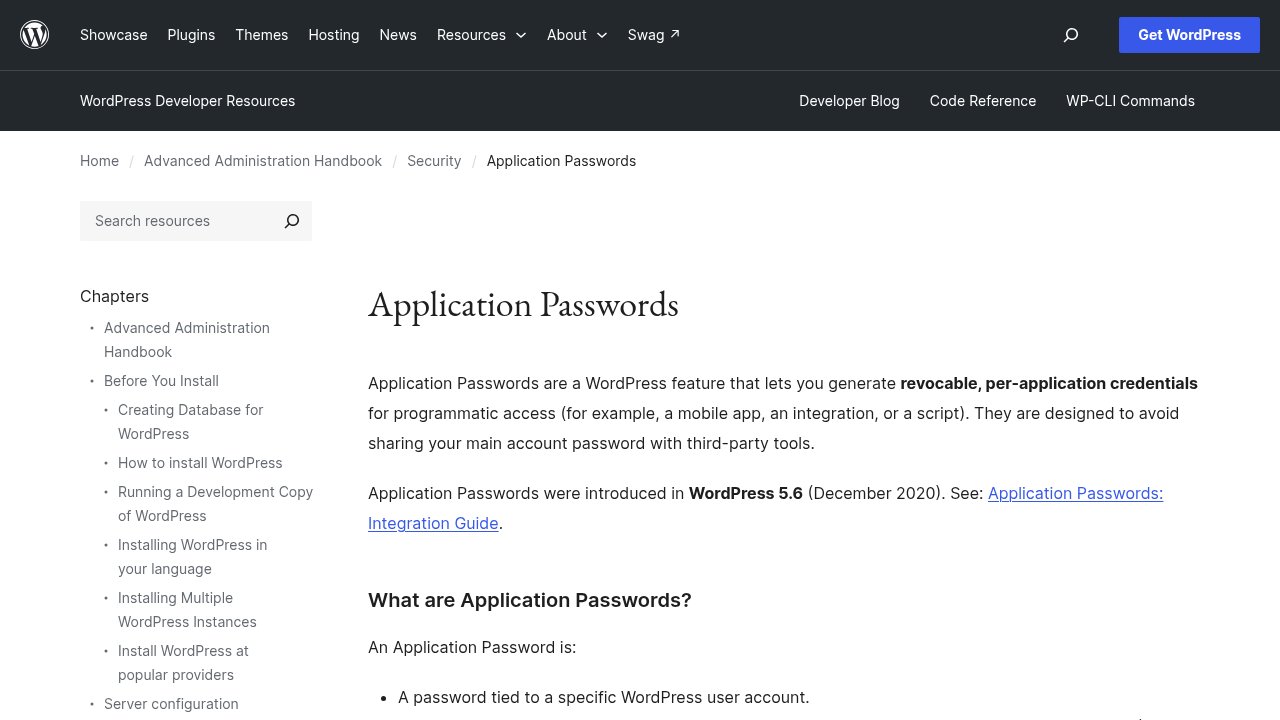
An application password is not a lesser credential: it authenticates at exactly the permission level of the account it was created for, so one tied to an Administrator grants the same API access an Administrator has through the dashboard. You can see and manage your own at any time from Users, then Profile, or from Users, then All Users, then Edit if you’re checking an account that isn’t yours. Each entry can be revoked individually, with no effect on any other password or on your main login.
Why this matters even if you don’t use Rank Math
WordPress.org’s own Detailed Plugin Guidelines already address this directly, under Guideline 7: plugins may not contact external servers without the user’s explicit, informed consent. In principle, what the Rank Math case describes was never allowed. In practice, that rule is difficult for an everyday site owner to audit. A new application password looks identical whether you created it yourself or a plugin created it on your behalf, nothing in the dashboard flags “a plugin just generated a credential,” and a permission like this can ship bundled inside a release that also fixes real security bugs, which is exactly what happened on August 26.
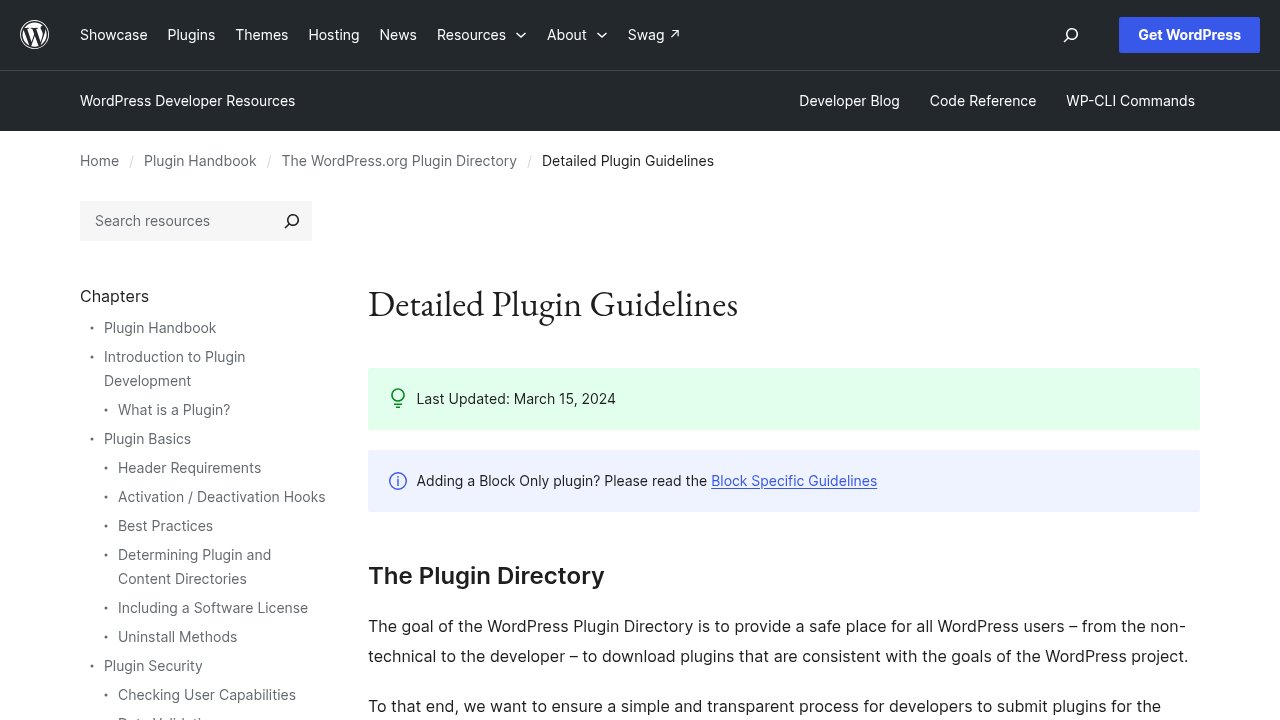
WordPress.org’s own guidelines already forbid a plugin from contacting an external server without your explicit, informed consent, which means the gap here was never a missing rule, it was a missing consent screen. This is one documented case on one plugin, now corrected, not evidence that WordPress plugins routinely behave this way. Treat it as a reason to know where to look on your own site, not as a reason to distrust every plugin you’ve installed.
Check your own site: a 5-minute audit
Log in to your dashboard and go to Users, then Profile. Scroll down to the Application Passwords section, where every active credential on your account is listed by name, alongside its creation date and the last time it was used. If you manage a site for a client or a team, repeat the same check under Users, then All Users, opening Edit on every account with Administrator access, not just your own: a plugin can create a credential against any account it has access to use, not only the one you happen to be logged in as.

A name you don’t recognize in that list, especially one you never knowingly approved, such as the “WAP – Rank Math Support Agent” entry this incident made visible, is reason enough to click Revoke before asking questions later. A legitimate integration you set up yourself, a mobile app, a backup service, a staging tool, will usually have a name you remember giving it. Anything vaguer deserves a second look, and revoking it costs you nothing: any tool that genuinely needs access will simply prompt you to reconnect.
Our take
Beyond the headline about one plugin, the useful habit outlasts this particular story: check your application passwords the way you’d check active sessions on any other account, on a schedule, not only when a news story prompts you to. Here’s what that looks like depending on your situation:
- If your Application Passwords list only shows entries you recognize, you’re covered: no action needed today.
- If you run Rank Math, confirm you’re on version 1.0.277.2 or later, and keep the Support Agent off until Rank Math ships the explicit consent screen it has promised.
- If you manage sites for clients, add an Application Passwords check to your routine after every plugin update, across every Administrator account, not just your own.
- If you find a credential you didn’t create, revoke it first, then go looking for which plugin created it.

The 328% rise in security bugs reported across the WordPress plugin ecosystem in 2022 is the reminder behind that habit: plugins are where WordPress security problems concentrate, application passwords included. Check yours today, and get back to running your site.