

Simply Static, the WordPress plugin that turns a live WordPress site into a folder of static HTML files, shipped version 3.8.18 within the past week and lists more than 30,000 active installations on its official WordPress.org page. It sits alongside two very different products, Instatic and PhantomStudio, that each answer the same underlying question, how do you get a WordPress-powered site off the WordPress runtime, in their own way. If you’ve read our piece on choosing WordPress plugins without regretting it later, the same caution applies here: picking the wrong one of these three usually means rebuilding your site twice. Let’s walk through what each one actually does, and for which kind of site, together.
Why “static” isn’t one option, it’s three different trade-offs
Simply Static, Instatic, and PhantomStudio get lumped together in comparison roundups because they all end with a fast, static page landing in a visitor’s browser. What each one asks you to give up to get there is not the same thing at all. Simply Static exports a WordPress site you keep running as your editing tool. Instatic replaces WordPress outright with a different self-hosted application. PhantomStudio keeps WordPress as a content backend and publishes a separate project built with it. Confusing an export with a full replacement is the mistake worth avoiding before committing to any of the three.
Simply Static: the low-effort export
Simply Static‘s own WordPress.org listing shows a plugin that’s actively maintained, not an abandoned one: version 3.8.18, tested up to WordPress 7.1.3, and a 4.5 out of 5 rating across more than 1.4 million downloads. The free version generates a static copy of your current site on demand, as a ZIP file or a local folder, and rewrites internal URLs so the result works on its own. You keep editing in WordPress exactly as before, and only touch the plugin when you’re ready to publish a fresh export. That’s the entire appeal: close to zero workflow change for whoever is writing the content.
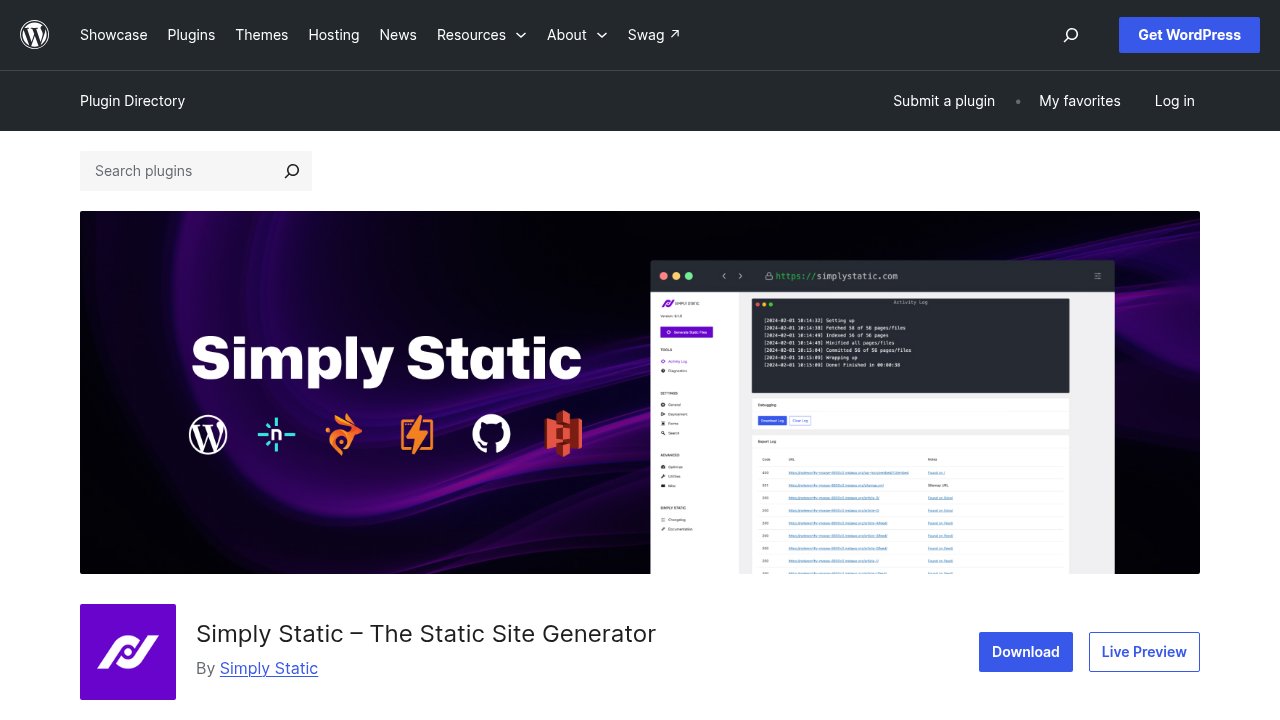
The free plugin has an honest limit: anything that needs WordPress running at the moment a visitor loads the page, a comment form, a logged-in member area, a WooCommerce cart, stops working once static files are the only thing being served. Simply Static Pro, at $99 a year per site, adds direct deployment to GitHub, Netlify, or AWS S3, along with form handling that stores submissions back in WordPress. Simply Static Studio, a separate managed tier starting at $12 a month per site, goes further: it hosts the static output itself and can spin your WordPress instance back up on demand whenever you need to make an edit, so you’re not running your own WordPress hosting day to day either.
Instatic: a full self-hosted alternative to WordPress
Instatic isn’t a WordPress plugin, and its creators don’t describe it as one: their GitHub repository calls it “the open-source alternative to Webflow, Framer and WordPress.” Built by CoreBunch, the team behind Core Framework and Motion.page, it’s a self-hosted visual CMS that runs on its own Bun server, MIT-licensed, with roughly 9,000 GitHub stars at the time of writing. Choosing Instatic means leaving WordPress’s entire plugin and theme ecosystem behind for a different one that’s still being built.
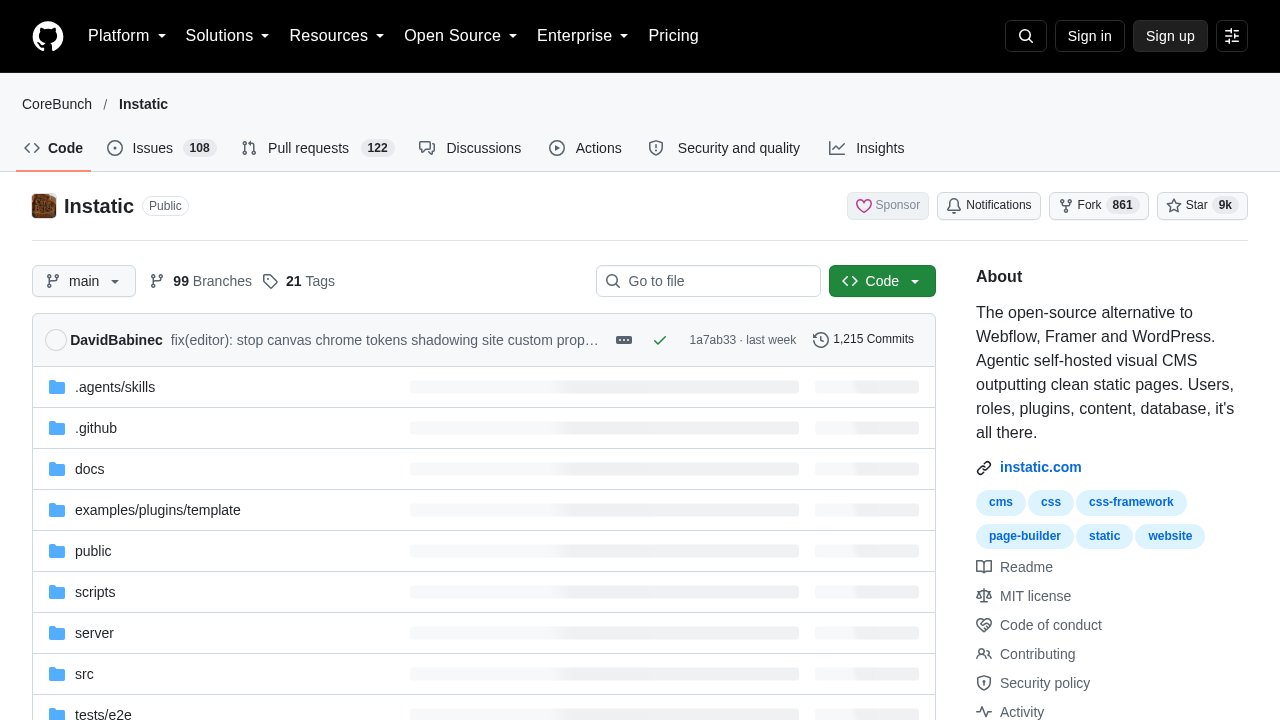
What you get in exchange is a visual canvas editor with design tokens built in, native forms that store submissions in your own database tables without a third-party service, and a sandboxed plugin system so third-party code can’t reach into the rest of your install. Published pages come out as plain static files with no editor runtime exposed to the public, which is the same end result Simply Static aims for, reached by never putting WordPress in the stack at all. The honest caveat, visible on the project’s own repository, is that Instatic is still pre-1.0, versioned in the 0.0.x range: the architecture is deliberately still settling before a stable release.
PhantomStudio (formerly PhantomWP): keep editing in WordPress, ship an Astro site
PhantomWP is mid-rename as we publish this. Its own homepage now opens with “PhantomWP is now PhantomStudio v1.0 Beta,” though the product still lives at the phantomwp.com address while phantomstudio.app sits as a coming-soon placeholder for the eventual move. The rebrand changes the name, not what the product does: PhantomStudio keeps WordPress as a headless content backend, through an optional connector plugin, and generates a real Astro project that gets committed to a GitHub repository you own, ready to deploy to Vercel or Cloudflare Workers.
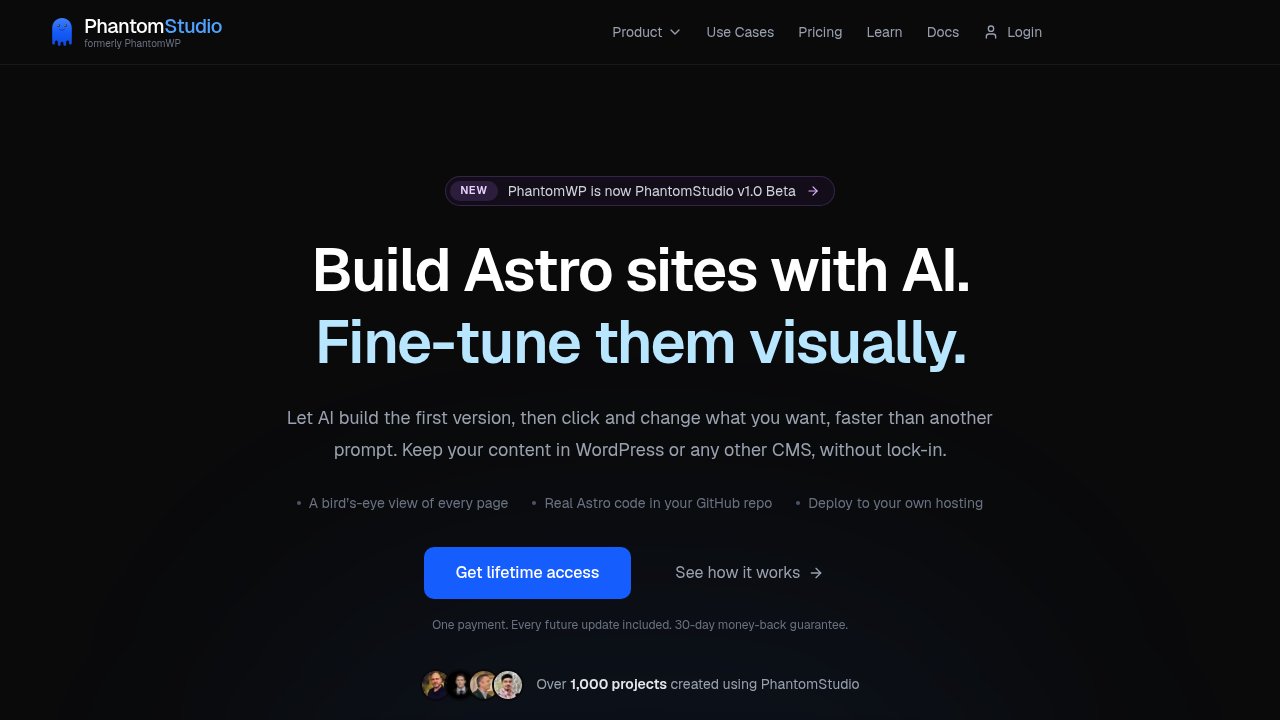
Astro itself, the framework doing the actual page generation, reached version 7.4 on October 15, 2026, with build-timing diagnostics and parallel prerendering among the headline additions in its official changelog. Cloudflare acquired the company behind Astro in January 2026 and committed, in its own announcement, to keeping the framework MIT-licensed and deployable anywhere, not locked to Cloudflare’s own hosting.
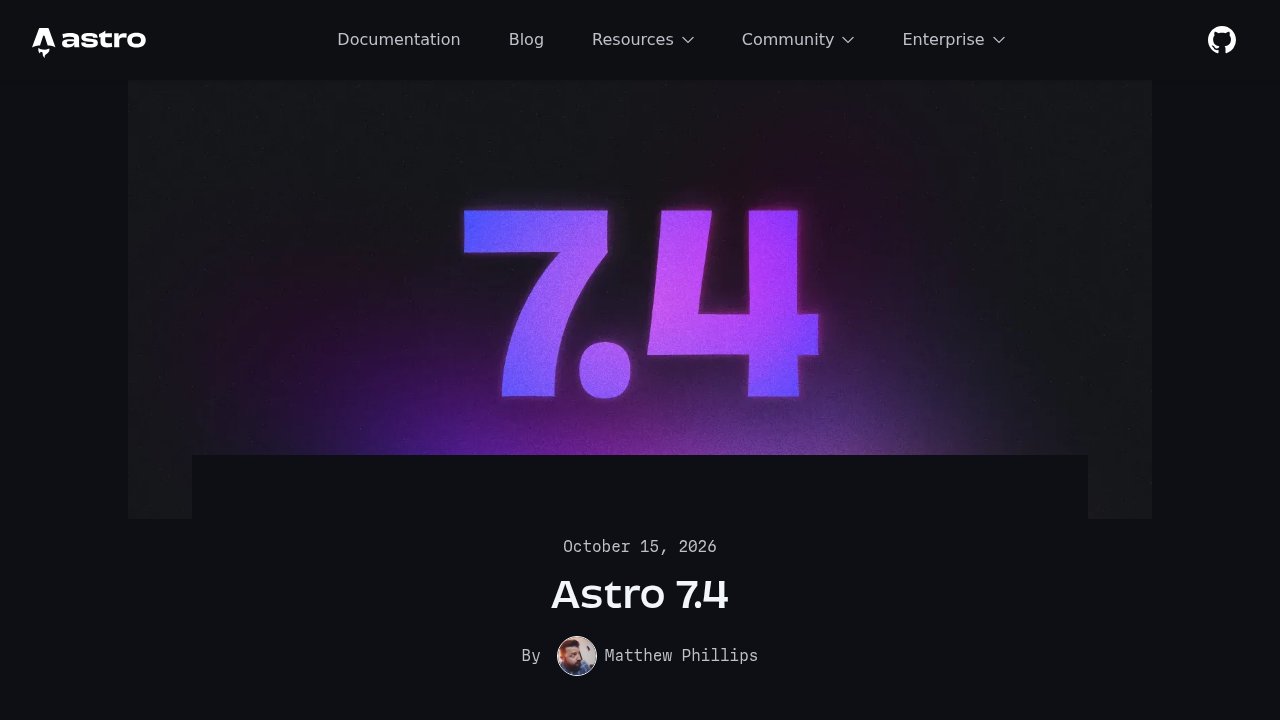
A customer testimonial on PhantomStudio’s own site cites a 99+ mobile Lighthouse score for one migrated project, a result attributed to that single user, not a benchmark PhantomStudio or we have measured independently across sites. Plans run from $149 a year for three projects up to $399 a year for 100, with a lifetime option for teams who’d rather pay once. This is the most technical of the three approaches: you need to be comfortable with Git and a deploy target, not just a WordPress dashboard, before it actually saves you time.
A decision checklist: does your site actually need this?
None of the three questions above start with the tool. They start with how your site actually gets used. Match the tool to your update frequency and your dynamic features, not to whichever name is trending this month.
- A brochure or showcase site updated a few times a year, with no forms beyond a basic contact form: Simply Static is the lowest-effort fit, since your WordPress workflow doesn’t change at all.
- Ready to leave WordPress and its usual PHP hosting behind entirely, comfortable self-hosting a Bun-based server, and fine running pre-1.0 software: Instatic replaces the whole stack.
- Want to keep a WordPress editing workflow your team or client already knows, while shipping a meaningfully faster public site, and comfortable with GitHub and a deploy platform: PhantomStudio is built for exactly that handoff.
- An active blog publishing daily, forms that need real server-side processing, logged-in member areas, or a full WooCommerce store: none of the three replace what dynamic WordPress is already doing for you.

Our take
There isn’t one “go STATIC” button that fits every WordPress site, there are three genuinely different trade-offs, and the right one depends on how your site actually gets used, not on which option sounds the most modern. Before committing to any of them, list every dynamic feature your current site relies on, forms, logged-in areas, search, comments, and check it against what the free tier of your chosen tool actually supports, then test the export or the migration on a staging copy first, the same way we’d recommend before a core update. If brochure-style evergreen content is most of what you publish, as covered in our piece on auditing whether your website still serves your business, that audit is also the right moment to decide whether you even need WordPress running day to day.
Photo: MART PRODUCTION/Pexels, Kaboompics.com/Pexels.