

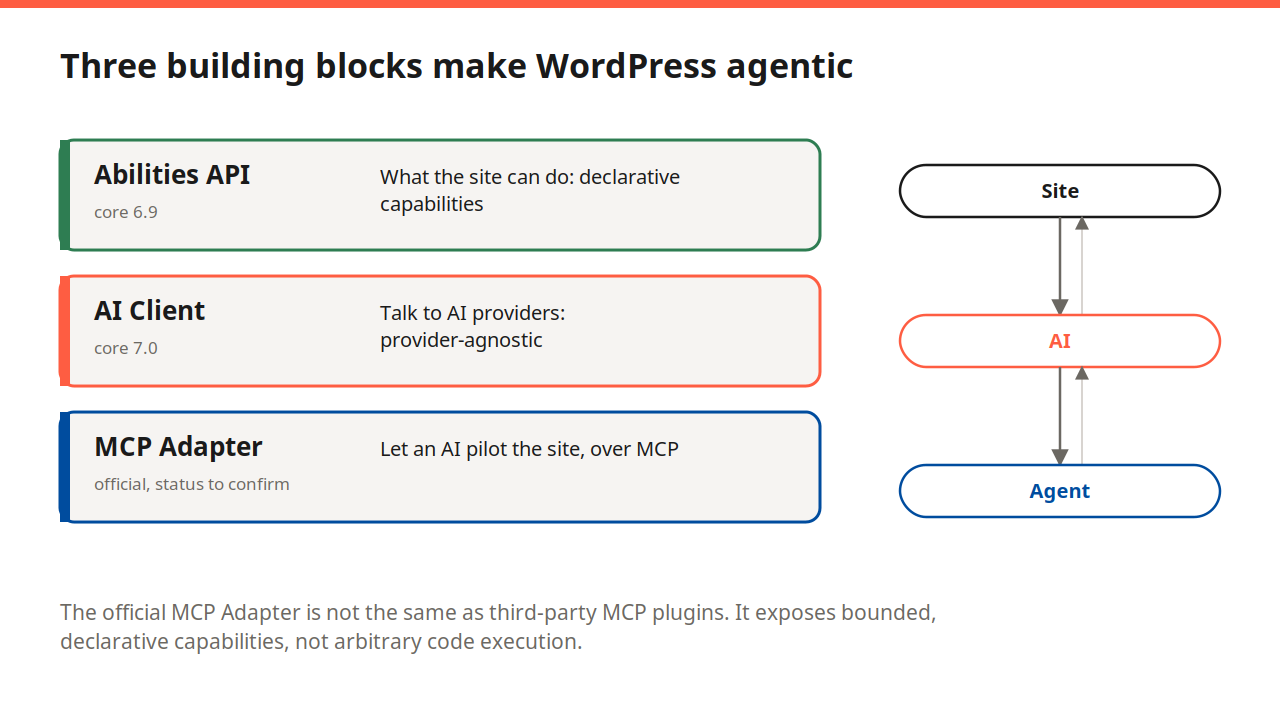
We already covered the three building blocks that make WordPress agentic: the Abilities API, the AI Client, and the MCP Adapter. On September 10, 2026, WPBeginner announced WPVibe Fleet Management, a hosted service that lets an AI chat assistant handle maintenance across an entire portfolio of WordPress sites, and it is already running at a scale worth taking seriously. Let’s walk through what it actually does, together, before you consider connecting your own fleet to it.
What WPVibe actually is (and who is behind it)
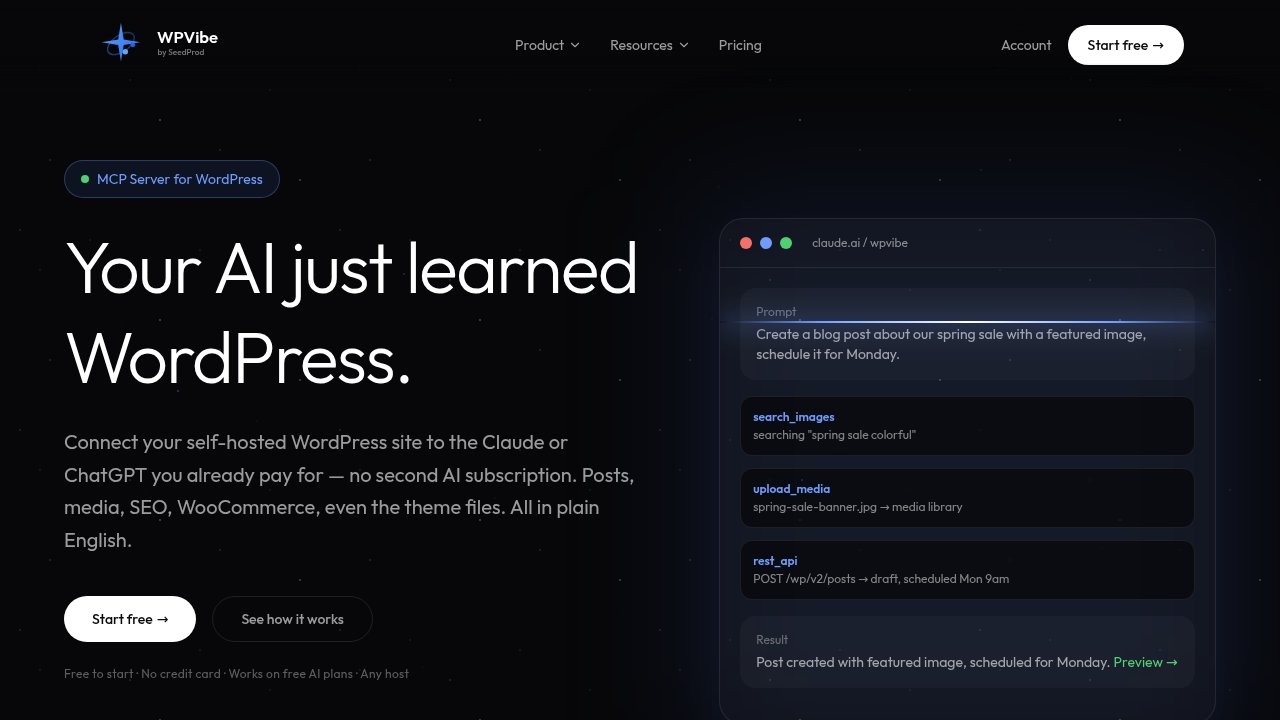
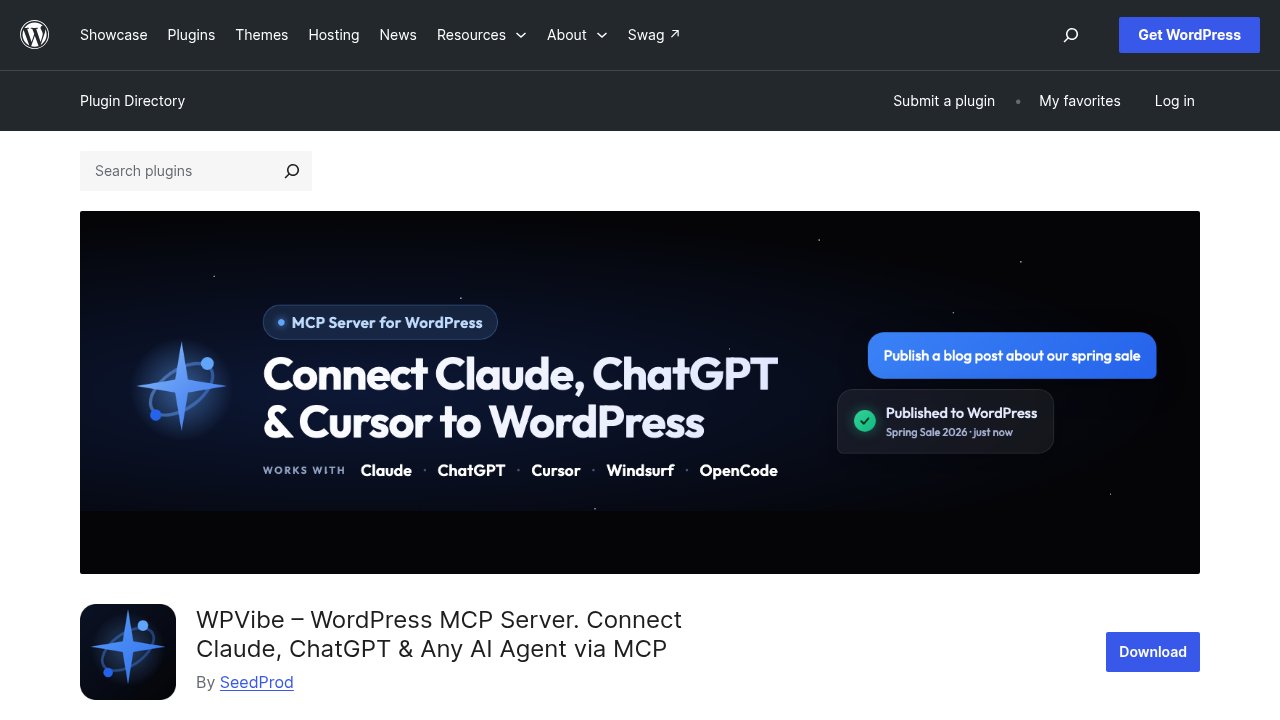
WPVibe is a cloud MCP (Model Context Protocol) server that bridges AI chat clients such as Claude.ai, Claude Desktop, Claude Code, ChatGPT, Cursor, Windsurf, and OpenCode, an open-source terminal AI coding agent, with a self-hosted WordPress site. Connecting a site means installing WPVibe’s free plugin and authorizing it with a standard WordPress Application Password, the same login mechanism the official mobile app and Jetpack already use. WPVibe is not the WordPress.org MCP Adapter we walked through in our setup guide, and it is not an Automattic or WordPress.org project at all. On its own comparison page, the company describes the official adapter as the right pick “if you work exclusively in local MCP clients,” while WPVibe adds remote access for Claude.ai and ChatGPT, plus WP-CLI emulation and other features the core adapter does not offer. The two paths sit side by side; WPVibe does draw on the WordPress Abilities API to discover what compatible plugins can do, but it runs its own separate bridge rather than sitting on top of the official one.
One detail worth knowing before taking WPBeginner’s announcement at face value: WPVibe is built by SeedProd, and SeedProd has been part of Awesome Motive since October 2018, the same company that owns WPBeginner, WPForms, AIOSEO, and MonsterInsights. That does not make the coverage inaccurate, but it does mean the September 10 announcement is closer to a company introducing its own product than to independent press picking it up.
The numbers behind 12,000 connected sites
More than 12,000 WordPress sites are already connected to WPVibe, and the company reports over 6 million tool calls executed through its 30 available MCP tools. Those figures come from WPVibe’s own site, not an independent audit, so treat them as a scale indicator rather than a verified count; they are also the kind of number that keeps moving, so expect them to be higher by the time you read this. On the WordPress.org side, the underlying plugin has passed 20,000 active installations and holds a full 5-star average across 41 published reviews (40 five-star, one three-star) as of this week, a healthier independent signal since anyone can leave a review there regardless of who runs the company.
What it can do for your fleet, and what it won’t do without asking
The fleet-specific pitch is the part that separates WPVibe from a generic “chat with your site” tool: ask your assistant what needs updating, and it pulls a single list across every connected site, plugin, theme, and core version numbers included, then runs pre- and post-update health checks. If one site’s update fails, WPVibe isolates that failure instead of stopping the batch, and it keeps working in the background after you close the chat window, resuming automatically if a daily usage limit interrupts it midway. Core updates get treated more carefully than plugin or theme updates: they need a separate, explicit approval before WPVibe touches them.
Beyond fleet updates, WPVibe’s toolkit reaches into the full WordPress REST API (posts, pages, media, comments, users, taxonomies), emulates more than 40 WP-CLI commands in plain PHP so they work even on shared hosting without shell access, and can query the site’s database, though only with SELECT statements by default and a row limit attached. It also touches theme building, media uploads, ACF fields, and, through the Abilities API, deeper integrations with WPForms, AIOSEO, WooCommerce, Rank Math, and LifterLMS when those plugins are active. None of that write access happens silently: new posts default to draft, deletions go to the trash rather than disappearing outright, and anything genuinely destructive requires a dry-run preview before WPVibe will run it for real.
The access question: the same mechanism, used differently
An Application Password is a standard WordPress core feature, documented on developer.wordpress.org, that grants API access at the same permission level as the WordPress account it is attached to. It exists specifically so tools like WPVibe do not need your actual account password, but it is worth being clear about what it grants: an Application Password created against an administrator account has full administrator-level access over the REST API, not a scoped-down subset. WPVibe’s own connection flow asks you to paste a server URL, verify it with a 6-digit code sent to your email, and approve the request from inside your own wp-admin, a visible, consent-based sequence. It is the same authentication lever used elsewhere on WordPress, applied with your knowledge and your click, not created behind your back. That distinction matters because a widely used SEO plugin was found generating an admin-level Application Password automatically, without a visible consent screen, earlier this year; WPVibe’s flow is not that case, but the comparison is exactly why reading your own list of active Application Passwords occasionally is a good habit regardless of which tool you connect.
On top of that authentication layer, WPVibe adds its own safeguards, according to the company: AES-256-GCM encryption at rest with a per-site salt, permissions that follow WordPress’s native roles rather than a separate access model, a default-deny allowlist for the WP-CLI commands it emulates, and an append-only audit log of sensitive actions. None of that has been independently audited that we could find, so read it as the vendor’s own claim about its safeguards, not as a verified security assessment.
What to check before you connect your first site

Connect with the lowest WordPress role that can still do the job, not your main administrator account, since WPVibe’s own permissions inherit whatever role generated the Application Password. Read the free plan’s fine print carefully too: “unlimited sites” describes how many sites you can connect, not how much you can ask WPVibe to do each day, since every plan, including the free one, caps daily actions and only the paid tiers (Pro at $19/month, Power at $49/month, Agency at $99/month with client sub-accounts, or Scale at $149/month) raise that ceiling. That usage quota is entirely separate from whatever limits your Claude or ChatGPT subscription already has. Before pointing WPVibe at a production fleet, it is worth running through a short list:
- Which WordPress account (and which role) will own the Application Password you create for this connection.
- Whether your current plan’s daily action allowance actually covers a fleet-wide update run, or just a single site.
- Whether you would rather test the connection on one lower-stakes site before adding your entire portfolio.
- Whether you already have old Application Passwords sitting active on your sites that you no longer recognize.
Our take
WPVibe is a legitimate, transparent use of a WordPress core feature that has also been misused elsewhere without consent, and that contrast is worth sitting with rather than glossing over. The setup work you do before connecting a fleet, choosing the right role, checking your quota, testing on one site first, is also the security work. If you would rather keep everything local and stick to the official WordPress.org project instead of a third-party cloud service, our step-by-step guide to the official MCP Adapter walks through setting that up yourself. Either way, start small, watch what an agent actually does with the access you grant it, and expand from there.